DL9110 / DL9118 Operating Instructions
- 26 -
Use the rotary switch to select the ½ I∆n, I∆n or 5 I∆n test position.
The ½ I∆n test will perform the RCD test with a current of 50% of that
indicated on the LCD.
The I∆n test will perform the RCD with the test current indicated on the
LCD.
The 5 I∆n test will perform the RCD with 500% that which is indicated
on the LCD.
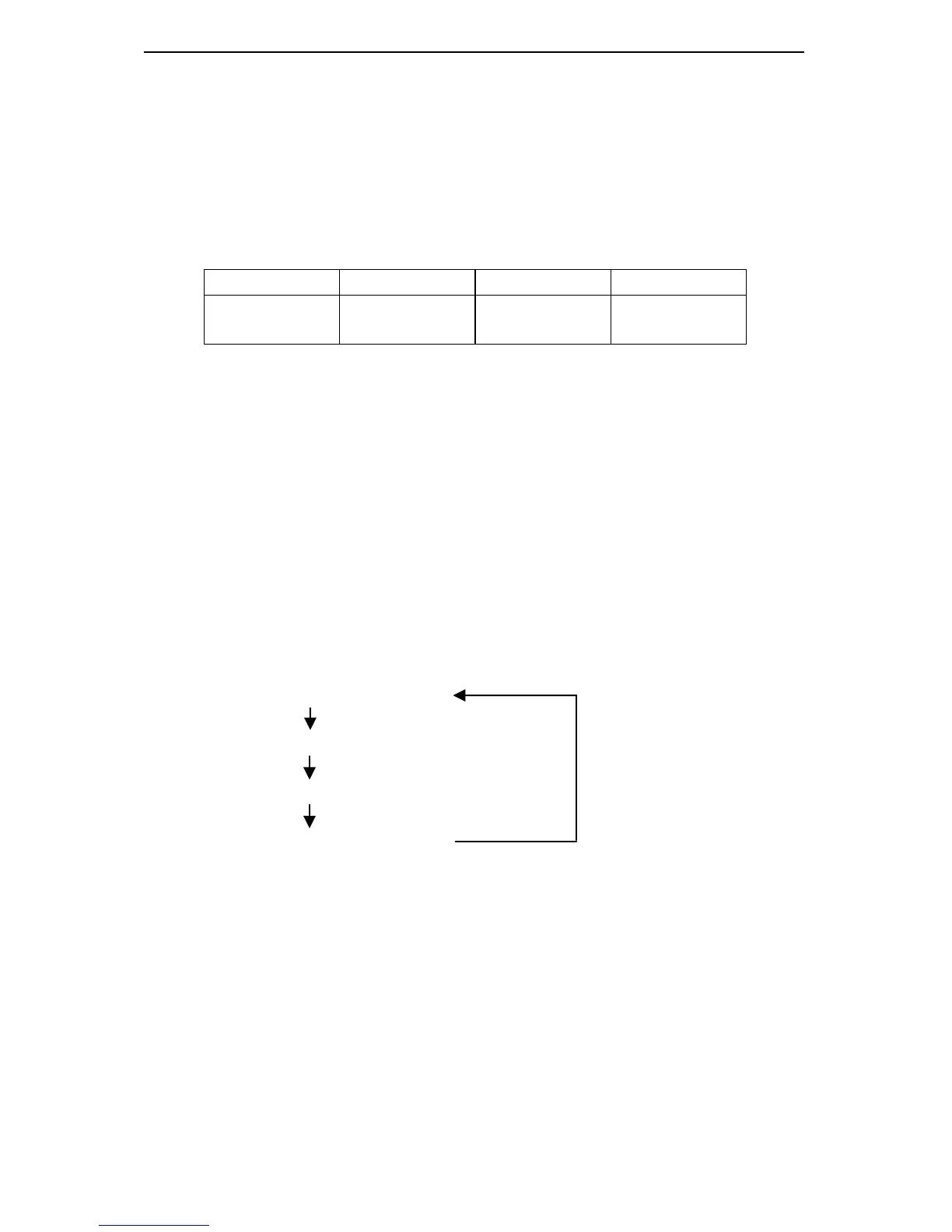
F1 F2 F3 F4
0
ac/dc/
selective
Not used Test current
0
o
/ 180
o
(F1)
Use the F1 key to alternate between the starting angle of the current.
All RCD tests will start on zero crossing.
AC/DC/Selective (F2)
Function key F2 is used to select the required RCD type: AC or DC
sensitive combined with standard or selective RCD types. Each time
the F2 key is pressed the next option is selected
During selective tests the DL9110 / DL9118 will display a delay timer
which counts down from 30s to 0s. Pressing the Test key or turning the
rotary switch while the DL9110 / DL9118 is counting will terminate the
count.
ac current / standard RCD
ac current / selective RCD
dc current / standard RCD
dc current / selective RCD
Rated residual operating current I∆
∆∆
∆n (F4)
The test current can be selected by pressing the F4 key.


 To Next Page