10 www.dimplex.com
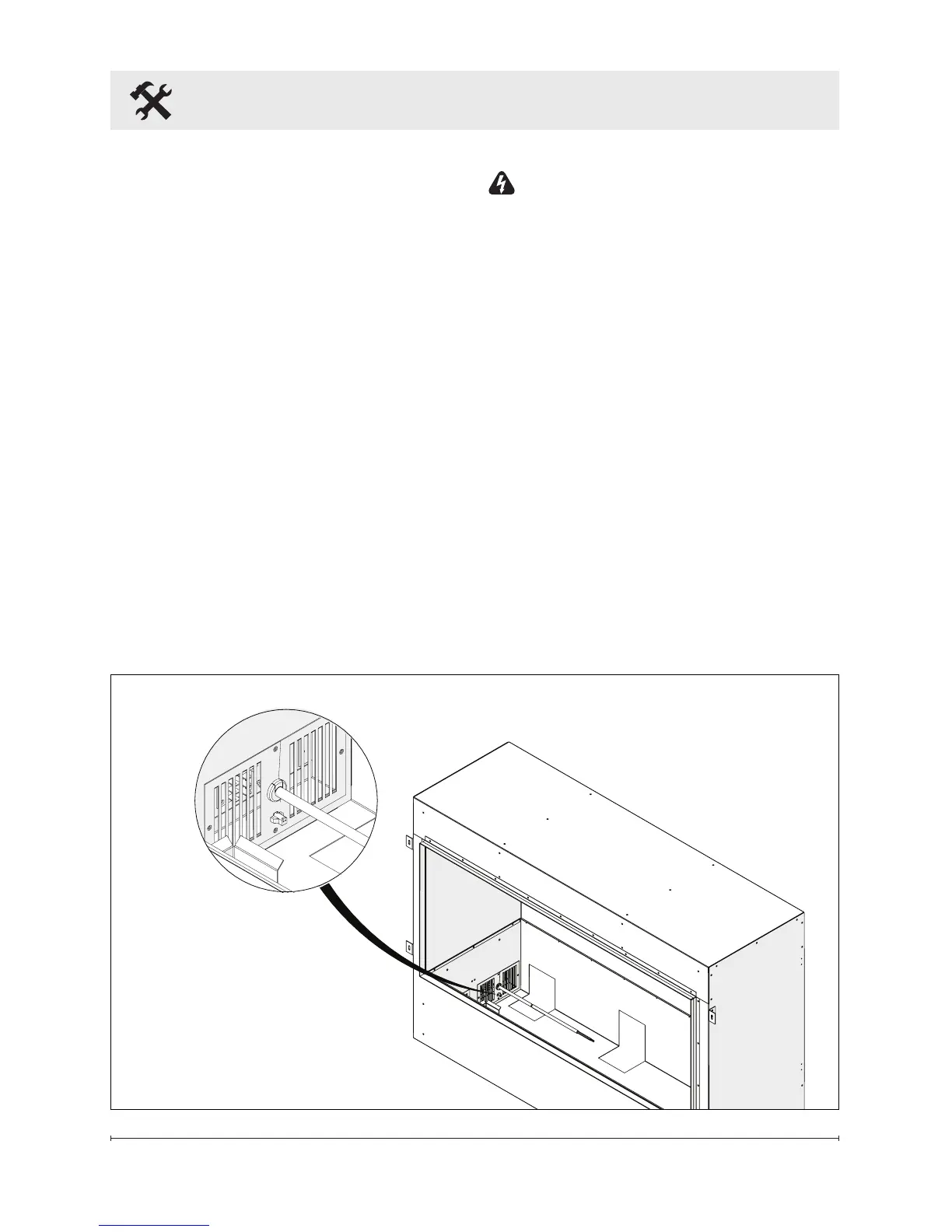
14. Connect the 2 pin connector
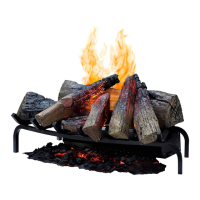
from the Opti-myst Cassette to
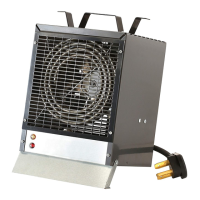
the Opti-myst Pro Box Heater
(Figure 4).
15. Finish surrounding wall. There
are 3 different options for
nishing the wall:
• Permanent - install drywall
right up to the ange that
surrounds the opening.
• Semi Permanent - nish
around edge using ashing
material (not included)
• Flexible - create opening big
enough to access mounting
anges and a false front that
can be removed.
Installation
Figure 4
WARNING: Disconnect
power before attempting any
maintenance or cleaning to
reduce the risk of re, electric
shock or damage to persons.
16. The media plate that came
with the Opti-myst Cassette is not
required and can be discarded.
After completing installation, place
the media tray that came with the
Opti-myst Pro Box Heater in position
over the Opti-myst Cassette. The
tray can be used to hold a variety
of media. Please note that the tray
gets warm, so choose materials
appropriately.









 To Next Page