- 3 -
Controls
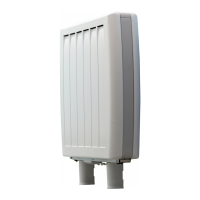
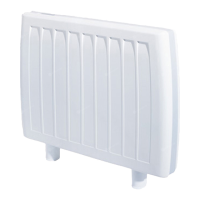
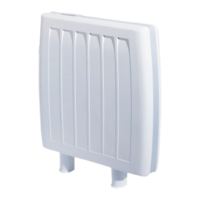
DuoHeat has two output modes Comfort (Radiant Heat) and
Background (Retained Heat). Each needs to be set to the correct
level to provide the optimum level of comfort.
For DuoHeat to operate correctly, both electricity
supplies must be switched on at all times.
Initial Set Up
When the radiator is switched on red lights will illuminate on the
temperature control display located on the top right hand side of the
radiator. The radiator will automatically be in Comfort mode.
Depending on your comfort requirements, there are three
recommended settings:-
“Low” (e.g. holiday home during period of vacancy)
“Normal “ (e.g. average use)
“High” (e.g. sheltered accommodation)
Both the Comfort and Background heat settings need to be set
accordingly.
Please note that at high setting the room temperature will
be warmer with a corresponding increase in running costs.
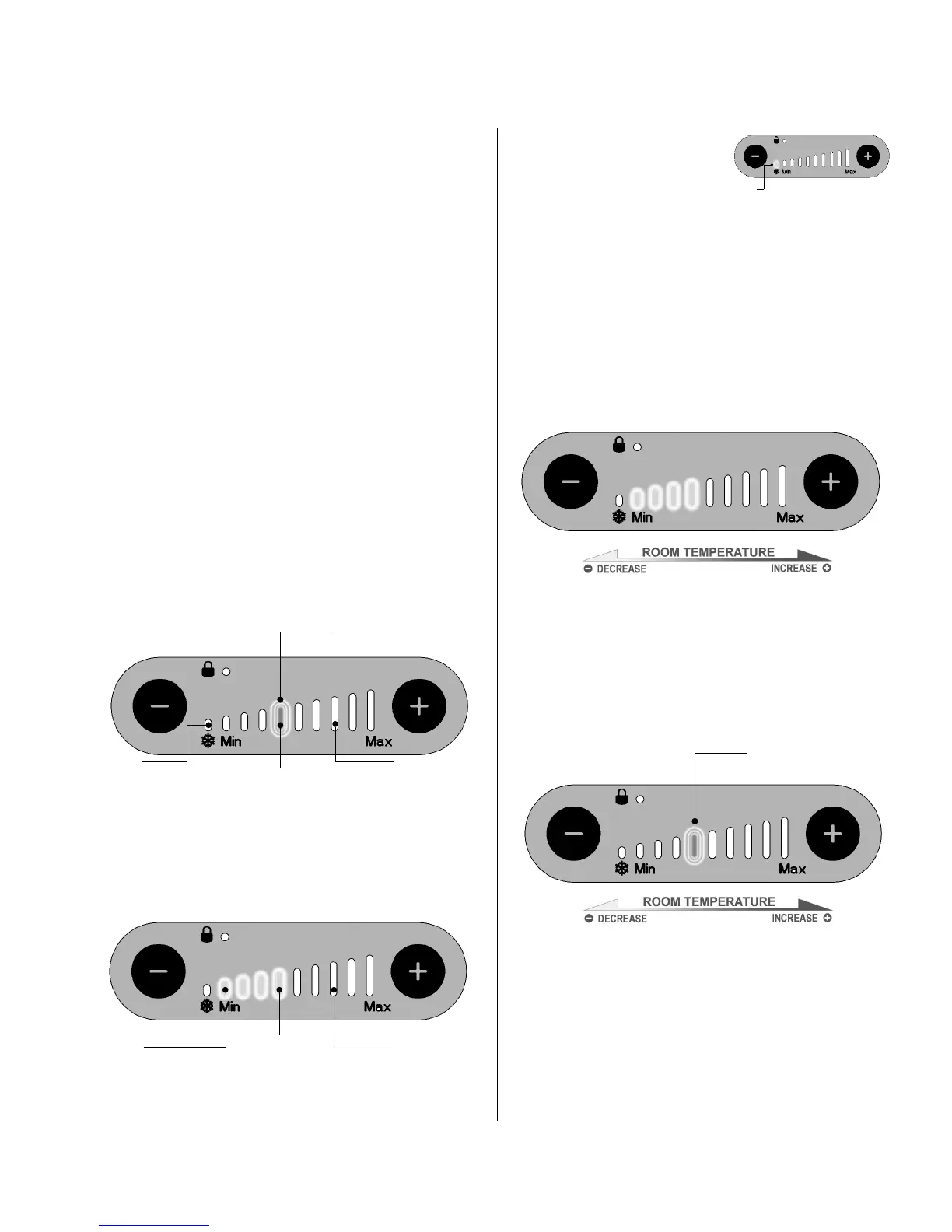
“Normal” Setting
This is the factory default setting, however you should check this
has not been altered by the installer.
Set the Background setting at the 4th red LED bar. To do this,
press the
+
button until all red bars are illuminated, and continue
to hold for a further 10 seconds. A single red bar will fl ash to
indicate that you are now viewing the backgound setting. Adjust
this bar by pressing the
+
or
-
buttons.
After 10 seconds, the display will revert to the standard Comfort
mode.
Set the Comfort at the 4th red LED bar by pressing the
+
or
-
buttons to change the number of illuminated bars.
“Low” Setting
Reduce the Background setting to
Frost Protection Setting (Blue LED).
Reduce the Comfort control to Frost
Protection Setting (Blue LED).
“High” Setting
Increase the Background setting to the 7th red LED bar.
Increase the Comfort control to the 7th red LED bar.
Operate the radiator for 24 hours before making further
adjustments to the settings.
Achieving Optimum Comfort Level
If the room is not at the desired temperature in the afternoon /
evening, adjust the Comfort Heat simply by pressing the
+
or
-
button to achieve a higher or lower room temperature.
If the morning room temperature is not at the desired level, then
adjust the Background heat level by pressing and holding down
the
+
button on the temperature control display until all red lights
are illuminated, continue to hold the
+
button for a further 10
seconds and a single red light will fl ash. A single red bar will fl ash
to indicate that you are now viewing the backgound setting. Use
the
+
button to increase room temperature and the fl ashing red
light will move to the right. Use the
-
button to decrease room
temperature and the fl ashing red light will move to the left.
After 10 seconds the temperature control display will return to the
Comfort Heat control mode.
It may require a few days fi ne-tuning to achieve an optimum
comfort level. On subsequent days increase or decrease
the temperature by one red light until a satisfactory comfort
level has been established. Once established the radiator will
automatically adjust to suit seasonal changes in temperature.
During mild weather background heat may not operate as
Comfort Heat will be suffi cient.
Low
(1st Red LED)
Normal
(4th Red LED)
High
(7th Red LED)
Low
(Frost Protection Setting)
Blue LED
Normal
(4th Red LED)
High
(7th Red LED)
Red Flashing Bar
(4th Red LED)
Low
(Frost Protection Setting)
Blue LED
Red Flashing Bar


 To Next Page
 Loading...