19
Product Locks
Product Locks are methods of locking the heater’s controller to restrict access to functions. This can be activated
and configured via the Settings Menu. When Product Lock is activated, the heater continues to run in whichever
mode is currently active and any/all wireless communications remain active if enabled.
Child Lock
This is the simplest locking method and does not utilise a PIN code. It is toggled on/o on the heater’s controller
by pressing and holding the Back and Enter buttons for three seconds.
While Child Lock is active, the heater will continue to operate in whatever mode, with whatever settings it had
before the lock was activated.
There are no exception rules with this lock, and the user can only choose to unlock the heater if they wish to change
the temperature, modes or settings.
Heater Lock (PIN Lock)
Heater Lock is the most customisable and secure lock on the heater. This allows the heater to be configured in any
way, then locked into those settings and modes.
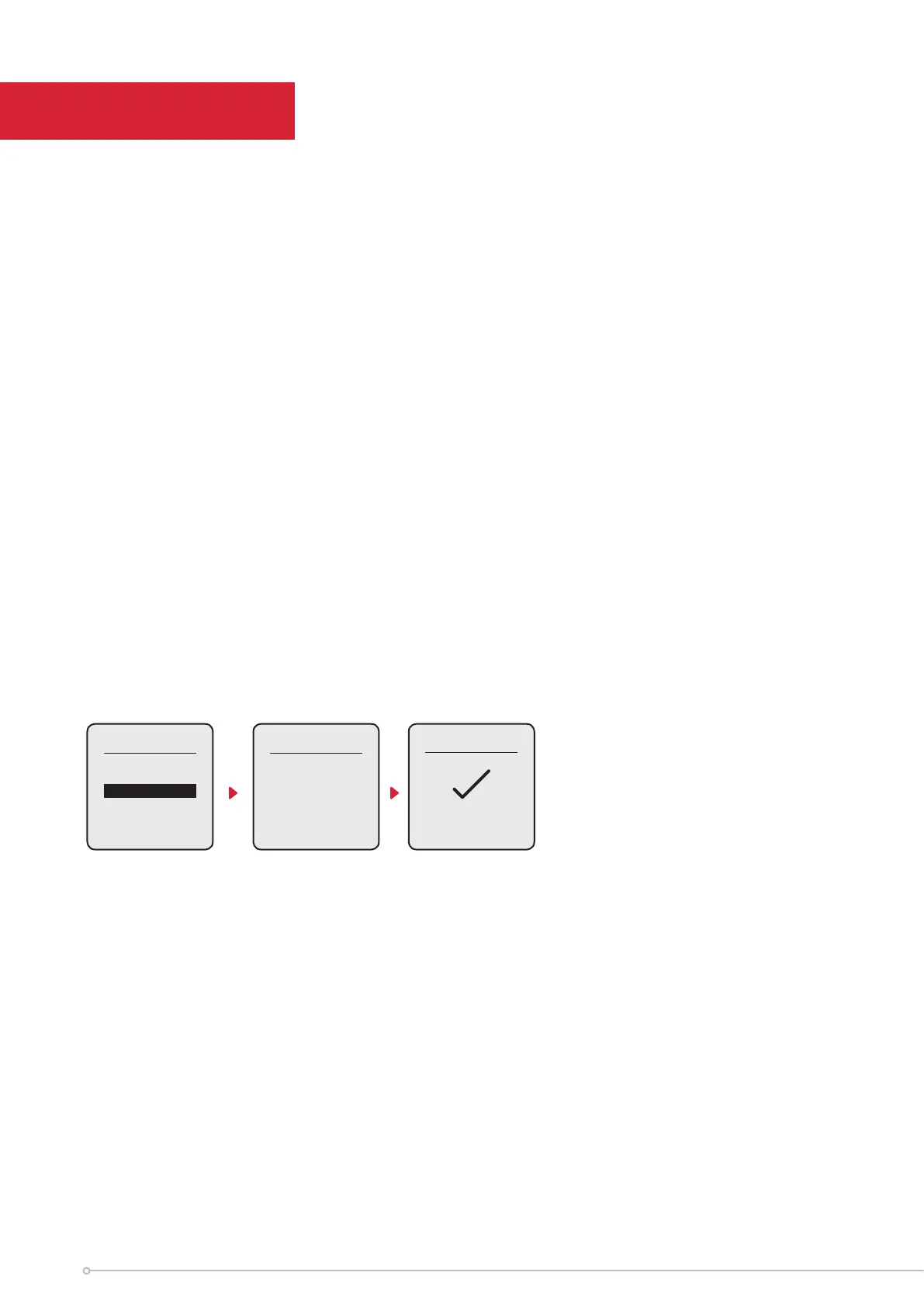
When PIN Lock is activated, pressing the Menu button will show one item* that can be selected - ‘Unlock’. Selecting
‘Unlock’ prompts the User to complete the applicable Unlock action:
PIN Lock Exceptions
It is possible to allow the ‘Advance’ and ‘Boost’ functions to be enabled/disabled when PIN Lock is active.
There are up to 4 exceptions. These exceptions include:
- Advance
• Ability to activate using the ‘Advance Button’
- Boost
• Ability to activate using the ‘hotkey’ listed in the Main Menu
• Ability to modify the Boost Temperature
• Ability to modify the Boost Duration
Menu
Unlock
PIN Lock
134-
Enter 4 Digit
PIN
PIN Unlocked
*Unless Boost Mode has been
enabled during UI Lock
Manual




 To Next Page