Quick Reference Instructions
3. Domestic hot water preparation
How to set the domestic hot water temperature and a hot water block:
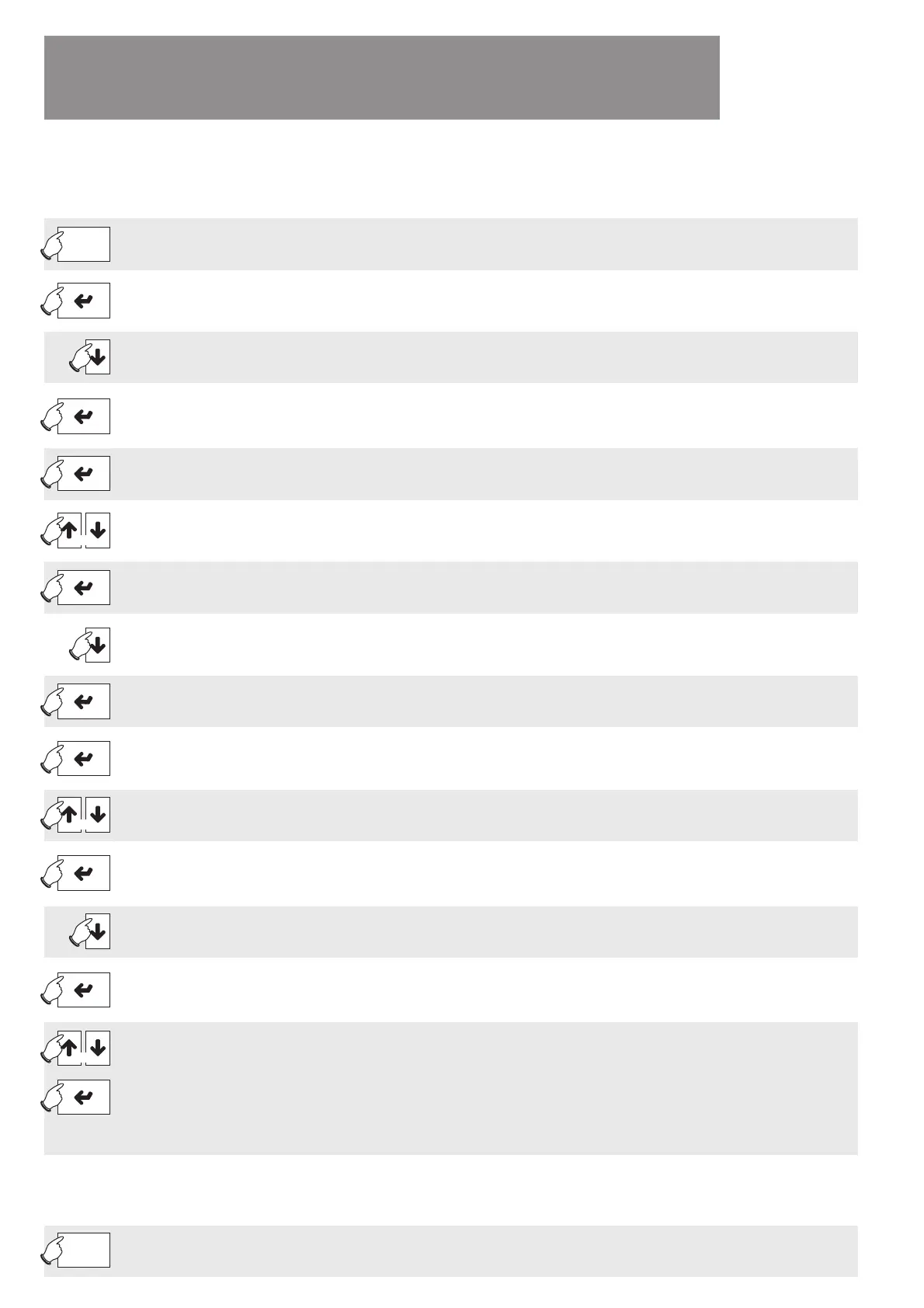
ESC
Jump back to the standard display.
Menue
Confi rm the selection of the menu item Settings.
Jump to the menu to modify Settings.
Keep pressed for
3 seconds
Briefl y touch
Keep pressed for
2 seconds
Press the key several times to select the menu item Domestic hot water.Briefl y touch
Confi rm selection of the menu item Domestic hot water. Briefl y touch
Confi rm selection of the menu item Hot water set temperature.Briefl y touch
Increase or lower the hot water set temperature as required.Briefl y touch
or
Confi rm the set value.Briefl y touch
Select the menu item Hot water block. Briefl y touch
Confi rm selection of the menu item Hot water block. Briefl y touch
Jump to the setting for the beginning of the Hot water block. Briefl y touch
Increase or lower the setting as required. Briefl y touch
or
Jump to the other settings until the cursor fl ashes in the upper corner.
Example: Time 1: 06:00-22:00 will block domestic hot water preparation from 6:00 am to 10:00 pm.
Briefl y touch
repeatedly
Select the menu item Hot water block Mon-Sun.Briefl y touch
Jump to the individual weekdays from Monday to Sunday.
Briefl y touch
repeatedly
Select one or both shut-off times per weekday and confi rm by pressing the Enter key:
N: No shut-off time active
Z1: Time 1 active as shut-off time
Z2: Time 2 active as shut-off time
J: Time 1 and Time 2 active as shut-off times
Example: SAT: N and SUN: N will prevent hot water block at weekends
Briefl y touch
or
How to return to the standard screen and what to do if you have any
problems making settings:
Briefl y touch
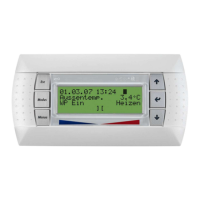
WPM EconPlus
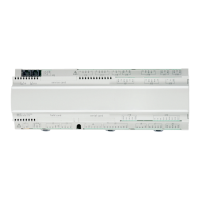
WPM EconR


 To Next Page