Dionex ICS-6000 Installation Instructions
76
Doc. 22181-97001 02/18
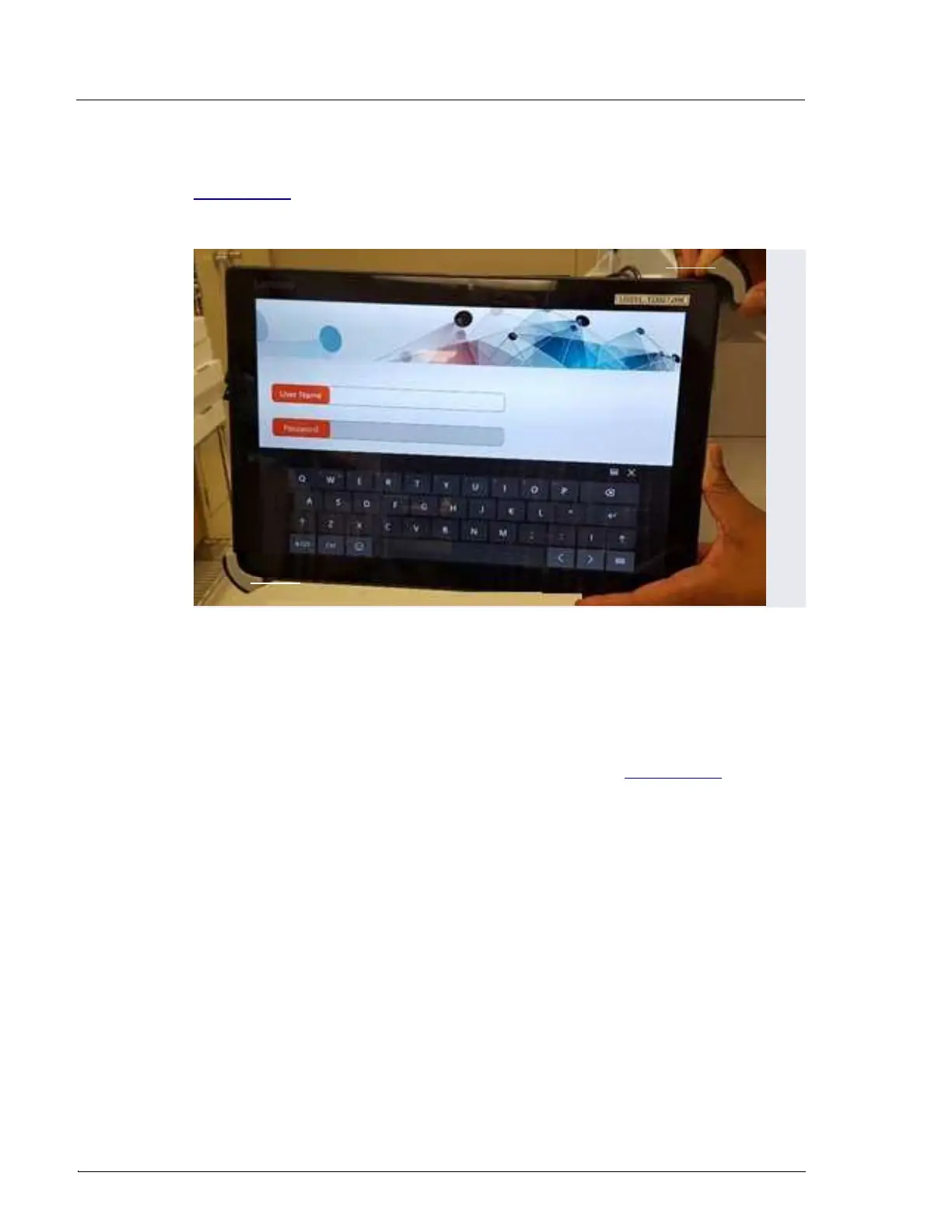
4. Place the lower-left corner of the tablet into the tablet arm/holder (see
Figure 3-38). Pull up the upper-right corner of the tablet and release it to
hold the tablet in place.
5. Adjust the cables to allow enough slack for all the tilt and rotation
positions.
6. While holding down the release lever, use the two hex screws on the
tablet holder to adjust the tablet until it is level (see Figure 3-40).
•
When the tablet is to the left of the DC, turning the top screw
counterclockwise loosens the tablet and rotates it in the clockwise
direction.
•
When the tablet is in front of the DC, turning the bottom screw
clockwise tightens the tablet and rotates it in the counterclockwise
direction.
7. When you finish, release the lever to lock the tablet into place.
Figure 3-38. Inserting the Tablet into the Holder
Tablet Corner Holder
Tablet Corner Holder


 To Next Page
 Loading...