3 • System Setup
Doc. 22181-97001 02/18
73
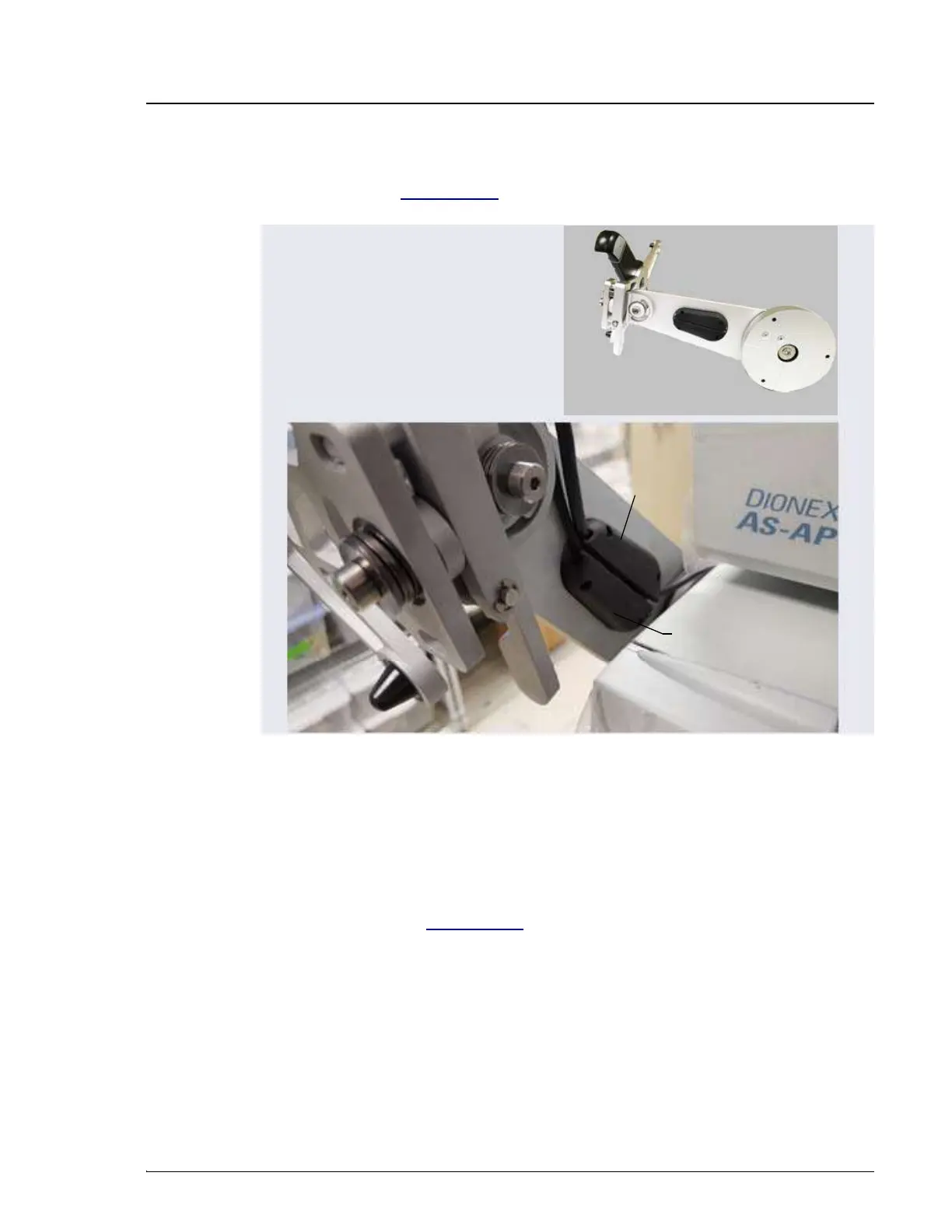
7. Route both the Ethernet and tablet power cables through the tablet arm
cable guide (see Figure 3-34) and back toward the tablet holder.
8. Route the cable from the cable guide, down and under the tablet arm, and
toward the rear of the DC.
9. Use the wiring duct (P/N 22181-98020) provided in the Tablet
Arm/Holder Kit (P/N 22181-62016) to organize the cable run across the
side of the DC (see Figure 3-35):
a. Slide the plastic cover off the wiring duct (or flex the duct).
Figure 3-34. Mounting Arm Cable Guide
Arm (inside
view)
Cable Guide Channel
Cable Guide
Channel



 To Next Page