Dionex ICS-6000 Installation Instructions
74
Doc. 22181-97001 02/18
b. Remove the paper backing from the adhesive strip and press the base
of the wiring duct firmly onto the side of the DC. Route the cables
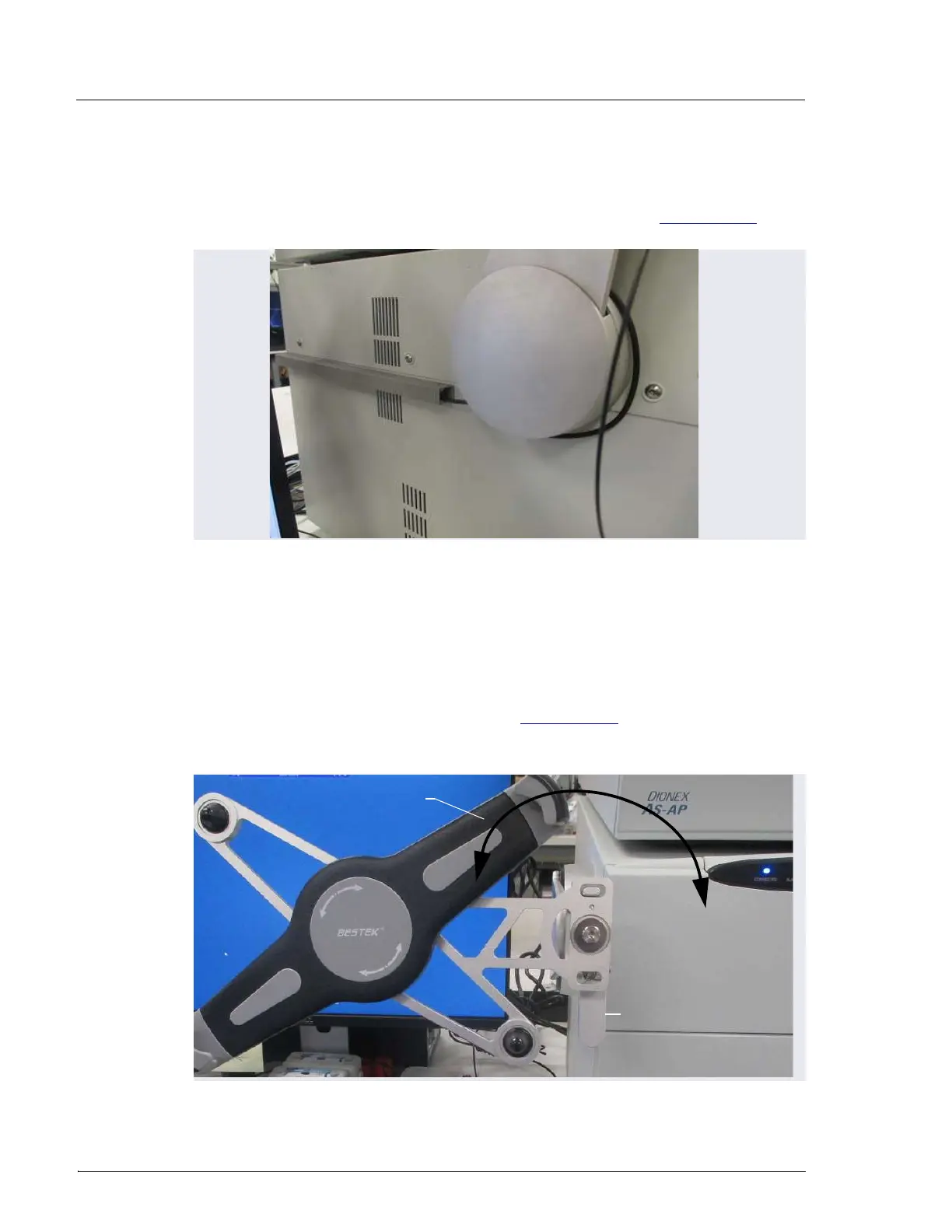
through the duct cover and attach it to the base (see Figure 3-35).
3.9.4 Positioning the Tablet
1. Decide whether to locate the tablet in front of the DC or to the left of the
module.
2. Pull the tablet holder release lever (see Figure 3-36) toward yourself and
swivel the holder to move the tablet to the preferred location.
Figure 3-35. Tablet Wiring Duct Attached to the DC
Figure 3-36. Tablet Connection and Viewing Adjustment
Swivel tablet holder to
preferred location
Tablet Holder
Release Lever



 To Next Page