5
1-800-634-7328 DirectSupply.com
Operation of Current Device (optional)
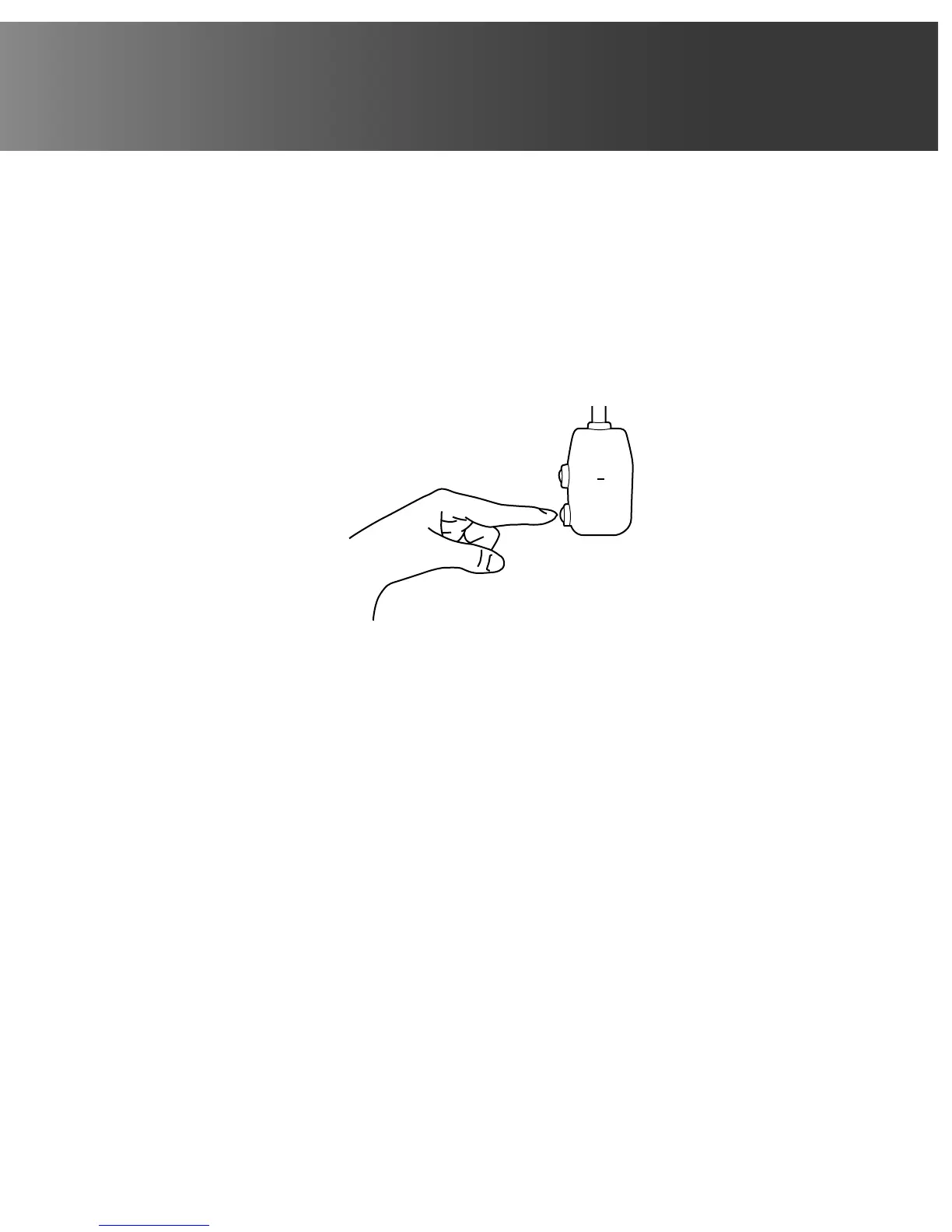
The power supply cord contains a current device that senses damage to the power cord. To test your
power supply cord do the following:
1. Plug in the air conditioner.
2. The power supply cord will have TWO buttons on the plug head. Press the TEST button; you will
notice a click as the RESET button pops out.
3. Press the RESET button; again, you will notice a click as the button engages.
4. The power supply cord is now supplying electricity to the unit (on some products, this it also
indicated by a light on the plug head).
TEST
RESET
Plug in & press RESET
NOTE: Some plugs have buttons on the top
NOTES:
• Do not use this device to turn the unit on or off.
• Always make sure the RESET button is pushed in for correct operation.
• The power supply must be replaced if it fails reset when either the TEST button is pushed or it
cannot be reset. A new one can be obtained from Direct Supply Equipment & Furnishings.
• If power supply cord is damaged, it cannot be repaired. It MUST be replaced by one obtained from
Direct Supply Equipment & Furnishings.
• When 265V units are to be installed, the power supply must be permanent wiring. Permanent
wiring may be done through the accessory subbase. An exposed cord connection on 265V units is
not permitted.



 To Next Page