8
© 2002 Directed Electronics, Inc
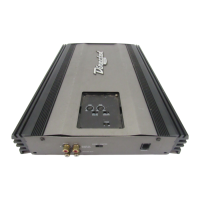
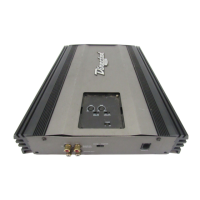
1.
SSppeeaakkeerr OOuutt TTeerrmmiinnaallss
- Connect
the speakers to these terminals.
(Refer to the
Speaker Connection
section of this guide.)
2.
PPoowweerr FFuusseess -
These fuse(s) protect
the amplifier against internal elec-
trical damage and are meant to
protect the amplifier only. All other
power connections should be fused
at the source.
3.
((++)) 1122 VVoolltt PPoowweerr
- Connect this
terminal through a FUSE or CIRCUIT
BREAKER to the positive terminal of
the vehicle battery or the positive
terminal of an isolated audio
system battery.
WWAARRNNIINNGG::
Always protect this power wire by installing a fuse
or circuit breaker of the appropriate size within
12 inches of the battery terminal connection.
REAR PANEL CONNECTIONS
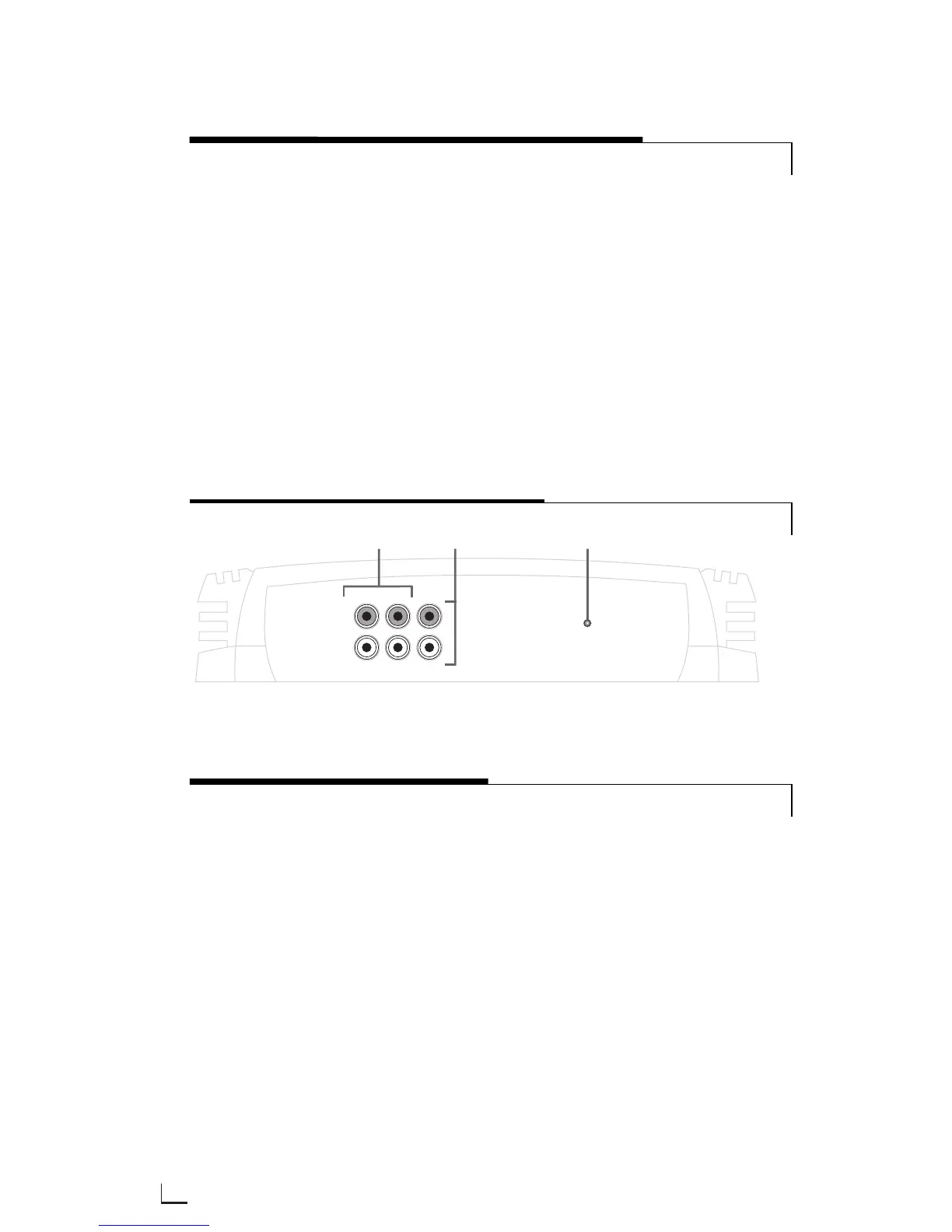
1.
RRCCAA IInnppuutt JJaacckkss -
Accepts line level
outputs from head units or signal
processors at voltages between
150mV and 8 volts.
2.
RRCCAA OOuuttppuutt JJaacckkss -
These pass
through RCA jacks can be used to
send a signal to a second amplifier.
They are the summed stereo output
of the one through four channel
inputs of the amplifier.
3.
SSttaattuuss LLEEDD
- Lights GREEN to indi-
cate the amplifier is on and oper-
ating normally and will be off if the
amplifier shuts down due to short
circuit, DC offset, or overheating
detected by the on-board protection
circuitry.
FRONT PANEL CONNECTIONS/STATUS LED








 To Next Page