26
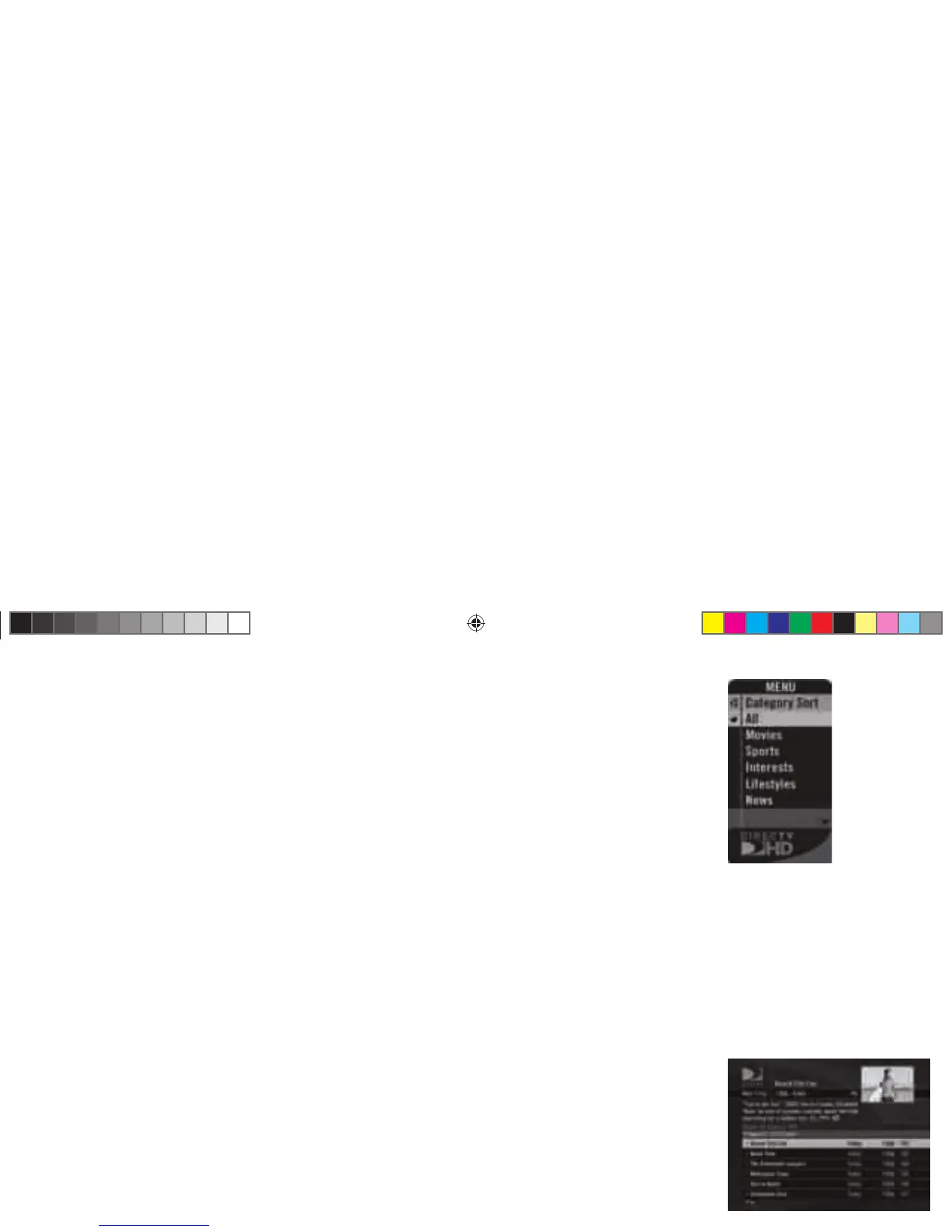
Category Sort
is feature lets you temporarily arrange the Guide to list only programs in a particular category such as
Movies, Sports or News. is option only appears in the Menu over the Guide.
While in the Guide, from the Menu, select Category Sort. To further narrow your search, select the
category you want, then select a subcategory if you wish.
To quickly move through the Category Search results, use the GREEN or RED key on your remote to
advance or reverse in 90-minute increments. Press GUIDE to return to the regular Guide, or EXIT to
return to live TV.
Pay Per View
is option enables you to check out DIRECTV® Pay Per View listings by category. is option only
appears in the Menu over the Guide.
While in the Guide, press MENU, then select Pay Per View. You will see three choices for sorting the
listings. Choose All to display all current pay per view programs. Movies will give you listings of all
current movies available. Pick Special Events to see specifi c events such as sports, comedy specials and
more. e Guide will display only programs that match the selected choice.
H22 User Guide.indb 26H22 User Guide.indb 26 2/14/08 2:32:00 PM2/14/08 2:32:00 PM



 To Next Page