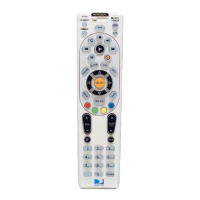
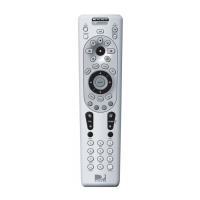
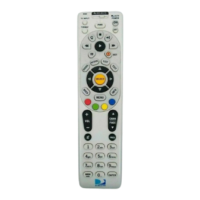
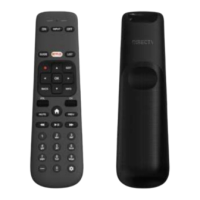
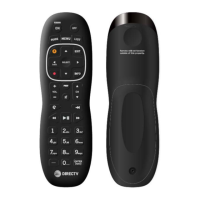
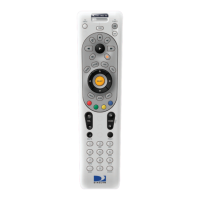
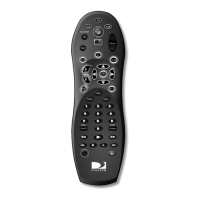
CONTROLLINGYOURTV
1. TurnontheTV.
2. Locatethe5‐digitcodeforyourTV.
3. TurnontheTV.
4. PressandholdMUTEandSELECTatthesametimeuntilthegreenlightflashestwice.
5. Usingthenumberkeysenterthe5‐digitcodeforyourbrandofTV.Ifperformedcorrectly,
thegreenlightundertheTVflashestwice.
6. AimtheremoteatyourTVandpressVOLorMUTEkeyonce.YourTVshouldrampupor
downorMUTE.IfVolumedoesnotchange,repeatsteps3and5,tryingeachcodefor
yourbranduntilyoufindthecorrectcode.
ActivatingRF
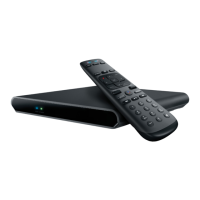
TopairtheDIRECTVremotecontroltotheSTB,performthefollowingsteps:
1. PressandHOLDMUTEandSELECTatthesametimeuntilthegreenlightflashestwice.
2. Enterdigits961followbyCHupkey.
3. Usingthenumberkeysenterthelastsixdigitsof
theRIDnumberlocatedbehindtheSTB.
4. PressandreleaseENTERkey(thegreenlightflashestwice).
DeactivatingRF
TodeactivatetheRFTransmitterontheDIRECTVremotecontrol,performthefollowingsteps:
1. PressandholdMUTEandSELECTatthesametimeuntilthegreenlightflashestwice.
2. Usingthenumberkeysenter961
3. PressandReleaseCHDown.(GreenLEDflashesfourtimes)
RESTORINGFACTORYDEFAULTSETTINGS
Toresetallthefunctionsoftheremotecontroltothefactorydefaultsettingsfollowingthese
steps:
4. PressandholdMUTEandSELECTatthesametimeuntilthegreenlightflashestwice.
5. Usingthenumberkeys,enter9‐8‐1.(Thegreenlightflashes4times).


 To Next Page