EasyManua.ls Logo

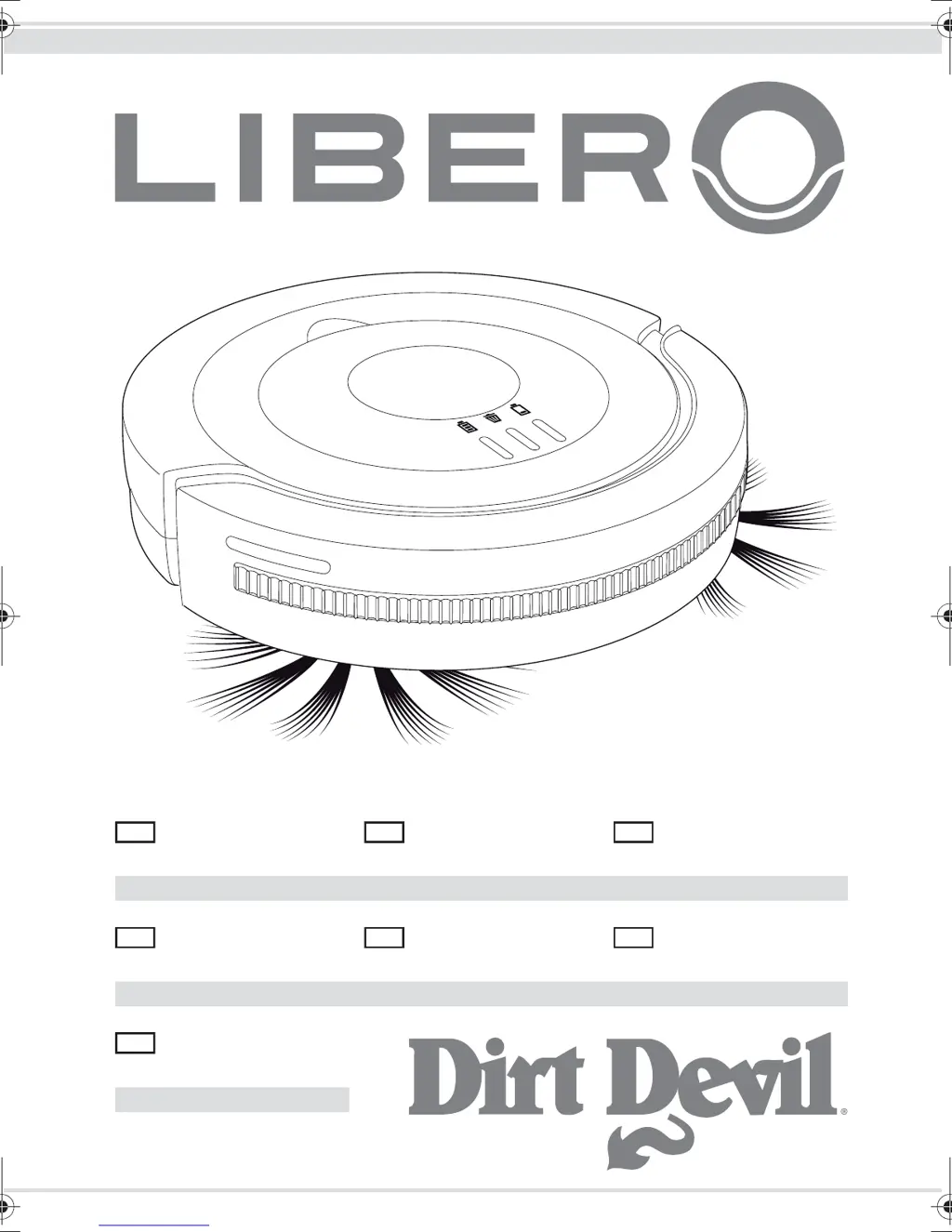
Dirt Devil Libero - User Manual

Dirt Devil Libero
76 pages
Go to English
Print Icon
To Next Page IconTo Next Page
Loading...
Bedienungsanleitung
Saugroboter
................. 2-25
Operating Manual
Robot vacuum
........... 26-49
Robot aspirateur
Mode d'emploi
........... 50-73
Bedieningshandleiding
Zuigrobot
.................... 74-97
Manual de instrucciones
Robot aspirador
....... 98-121
Robot aspirapolvere
Istruzioni per l'uso
. 122-145
Kullanim Klavuzu
Süpürme Robotu
... 146-169
Roya-17055-11 • A5 • 12.03.2012
DE
GB
FR
NL
ES
IT
TR
Libero.book Seite 1 Montag, 12. März 2012 6:29 18

Table of Contents

Questions and Answers

  • J
    Jacob LaraAug 13, 2025
    Why won't my Dirt Devil Vacuum Cleaner start?
    • D
      danielle69Aug 13, 2025
      If your Dirt Devil Vacuum Cleaner won't start, several issues could be the cause. First, ensure the battery pack is correctly inserted. If the battery is completely empty, switch off the appliance and charge the battery pack. If the appliance was on during charging, switch it off and then back on. Also, make sure the dust container compartment cover is correctly seated. If it was removed while the appliance was on, switch the appliance off and on again.
  • G
    Gilbert AtkinsonAug 16, 2025
    What to do if Dirt Devil Libero is stuck against an obstacle?
    • J
      Joshua GreenAug 16, 2025
      Give the Dirt Devil Vacuum Cleaner a shove with your hand.
  • J
    Joe BowersAug 20, 2025
    How to fix a Dirt Devil Libero Vacuum Cleaner when the round broom has stopped turning?
    • M
      Ms. Erin AlexanderAug 20, 2025
      If the round broom on your Dirt Devil Vacuum Cleaner has stopped turning, it might be prevented from freely turning by dirt. Remove the round broom and clear any dirt from it and its receptacle. Use scissors or tweezers if necessary.
  • D
    Daniel PowersAug 25, 2025
    Why is the battery indicator on my Dirt Devil Libero Vacuum Cleaner red?
    • J
      Joseph GrayAug 25, 2025
      If the battery indicator on your Dirt Devil Vacuum Cleaner is illuminated red, it means the battery pack's capacity is too weak. To resolve this, switch off the appliance and charge the battery pack. Also, ensure the appliance has proper ground contact by placing it on the floor.
  • T
    Todd AlexanderAug 28, 2025
    What to do if the cleaning indicator is red on my Dirt Devil Libero?
    • A
      Anthony SalinasAug 28, 2025
      If the cleaning indicator on your Dirt Devil Vacuum Cleaner is illuminated red, it indicates that the dust container is overfilled or the filter is clogged. To fix this, switch off the appliance and proceed as described in Chapter 8, ‘After use’.
  • A
    Andre BuchananAug 31, 2025
    Why does my Dirt Devil Libero Vacuum Cleaner only move backwards?
    • B
      Brittany SandersSep 1, 2025
      If your Dirt Devil Vacuum Cleaner starts up but continuously moves backward, the slide controller for adjusting the sensitivity of the fall sensors may be set incorrectly for your floor type. Adjust the setting of the slide controller to the correct sensitivity for your floor.
  • K
    Kelly CooperSep 4, 2025
    Why does my Dirt Devil Vacuum Cleaner not move straight in random mode?
    • M
      Michael RamirezSep 5, 2025
      If your Dirt Devil Vacuum Cleaner doesn't move in straight paths in random mode, one of the wheels may be hindered from turning by dirt. Remove any dirt from the wheel, using scissors or tweezers if required.
  • A
    amoraSep 8, 2025
    Why does my Dirt Devil Libero Vacuum Cleaner only move backward?
    • J
      John GreeneSep 9, 2025
      If your Dirt Devil Vacuum Cleaner starts but continuously moves backward, the slide controller for adjusting the sensitivity of the fall sensors may be set incorrectly for your floor type. Adjust the setting of the slide controller to the appropriate sensitivity setting for the fall sensors.

Summary

Overview

Scope of Delivery

Lists all items included in the product packaging.

Underside of the Appliance

Details the components located on the bottom of the robot vacuum.

Inside the Appliance

Illustrates and labels the internal components of the robot vacuum.

Functionality

Cleaning Modes

Describes the different cleaning modes the robot vacuum uses.

Fall Safeguard System

Explains the function of the drop-off detection sensors.

Safety Instructions

Operating Manual Guidelines

Emphasizes reading and keeping the operating manual.

Safety for Specific User Groups

Outlines safety precautions for children and individuals with impaired abilities.

Power Supply Safety

Details safe practices related to the AC adapter and power connection.

Battery Pack Safety

Covers important safety information regarding the battery pack.

Appropriate Usage Guidelines

Specifies intended use and prohibited actions for the appliance.

Unpacking and Assembly

Unpacking the Appliance

Instructions for safely removing the appliance from its packaging.

Attaching Cleaning Brooms

Details how to attach and detach the round cleaning brooms.

Inserting the Battery Pack

Step-by-step guide for installing the battery pack correctly.

Charging the Battery Pack

Before Every Use

Adjusting Fall Sensor Sensitivity

How to adjust the fall sensor sensitivity for different floor types.

Room Preparation for Cleaning

Advice on preparing the room for efficient robot vacuum cleaning.

Using the Robot Vacuum

Cleaning Hard Floors

Guidance on cleaning hard floor surfaces with the robot.

Cleaning Short Pile Carpets

Instructions for using the robot on short pile carpets.

Switching Off the Appliance

How to properly turn off the robot vacuum cleaner.

After Use Maintenance

Transport and Storage

Guidelines for safely transporting and storing the appliance.

Emptying the Dust Container

Step-by-step instructions for emptying the dust container.

Cleaning the Dust Container and Filter

How to clean the dust container and its filter.

Reinserting Dust Container and Filter

Instructions for reassembling the dust container and filter.

Troubleshooting Common Issues

Appliance Not Working Correctly

Addresses common problems and their solutions.

Ordering Spare Parts

Information on how to reorder accessories and spare parts.

Handling a Defective Appliance

Guidance on what to do if the appliance is damaged.

Removing the Battery Pack

Steps for safely removing the battery pack from the appliance.

Disposal of Appliance and Battery

Proper methods for disposing of the appliance and battery.

Product Warranty Information

Warranty Conditions

Outlines the duration and coverage of the product warranty.

Making a Warranty Claim

Procedure for submitting a warranty claim.

Dirt Devil Libero Specifications

General IconGeneral
BrandDirt Devil
ModelLibero
CategoryVacuum Cleaner
LanguageEnglish

Videos

How to Fix a Slowing or Stopping Right Brush | Dirt Devil Libero M606

Related product manuals