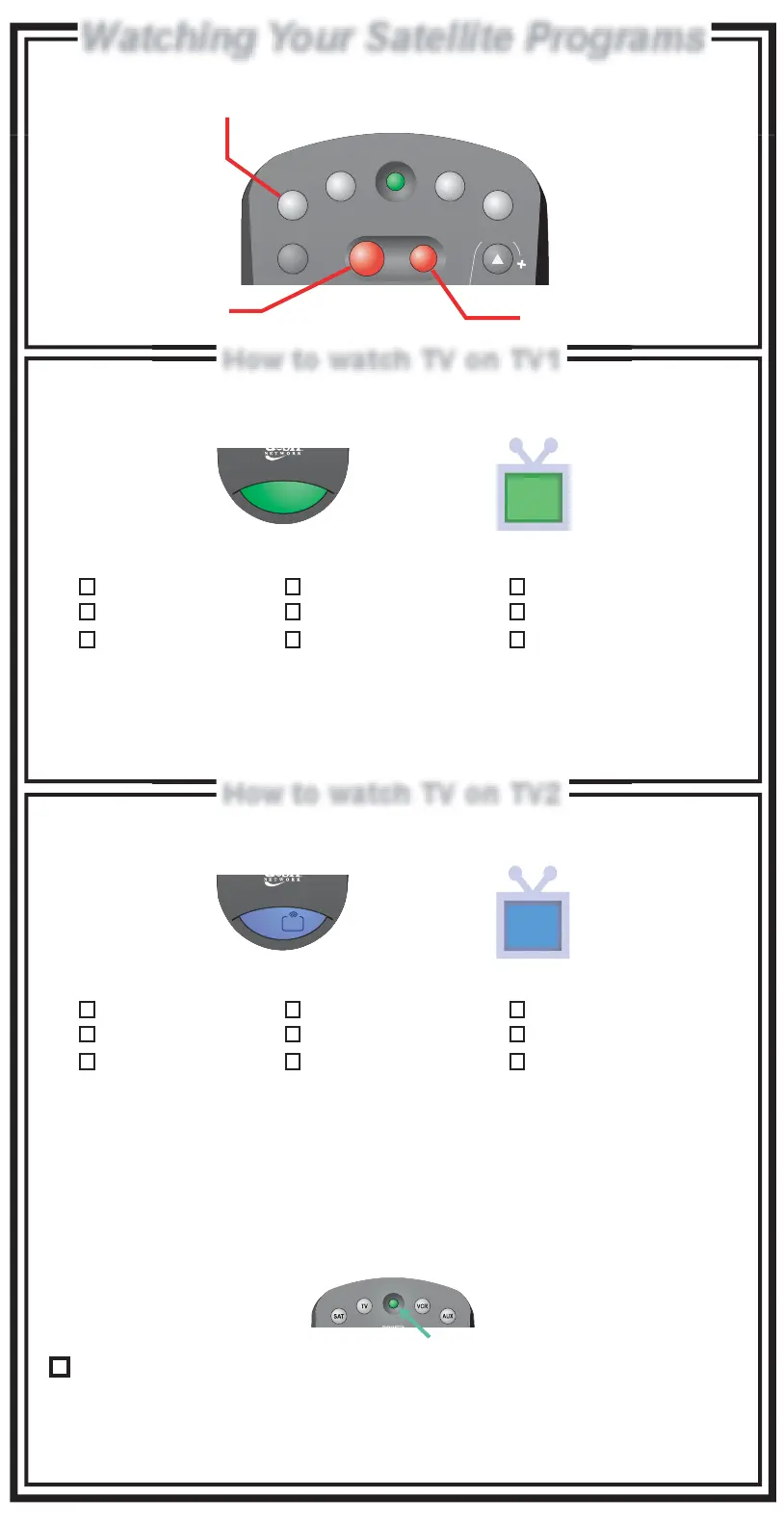
Watching Your Satellite ProgramsWatching Your Satellite Programs
How to watch TV on TV1How to watch TV on TV1
How to watch TV on TV2How to watch TV on TV2
The Installer will check this box if the Recover button for the TV2
remote control has been programmed and is ready to use.
Note: If this button has not been programmed, see the User's Guide for instructions.
For use of the Recover Button, see "Using the Recover Button" in this guide.
1
2
My green remote TV1 location is:
TV1 location is identified with a green 1
on your remote and the green TV1 logo on the TV screen.
Family Room
Living Room
Den/Office
Basement
Kitchen
Master Bedroom
Bedroom 1
Bedroom 2
Other __________
Set TV to _______
Set VCR to _______ VCR must be ______
My blue remote TV2 locations are:
Family Room
Living Room
Den/Office
Basement
Kitchen
Master Bedroom
Bedroom 1
Bedroom 2
Other __________
TV2 locations are identified with a blue 2
on your remote and the blue TV2 logo on the TV screen.
(Channel/Input) (Channel/Input)
(Channel/Input)
(Channel/Input) (On/Off)
To watch satellite TV:
To watch satellite TV:
Set TV to _______ Set VCR to _______
SAT
TV
VCR
AUX
TV / VIDEO
TV
POWER
PAGE
R
1
1
2
UHF
PRO
R
Turns the satellite
receiver On or Off
Turns the TV On or Off
To use your satellite receiver you must
be in SAT mode by pressing the SAT Mode button












 To Next Page