12
OPERATION (CONTINUED)
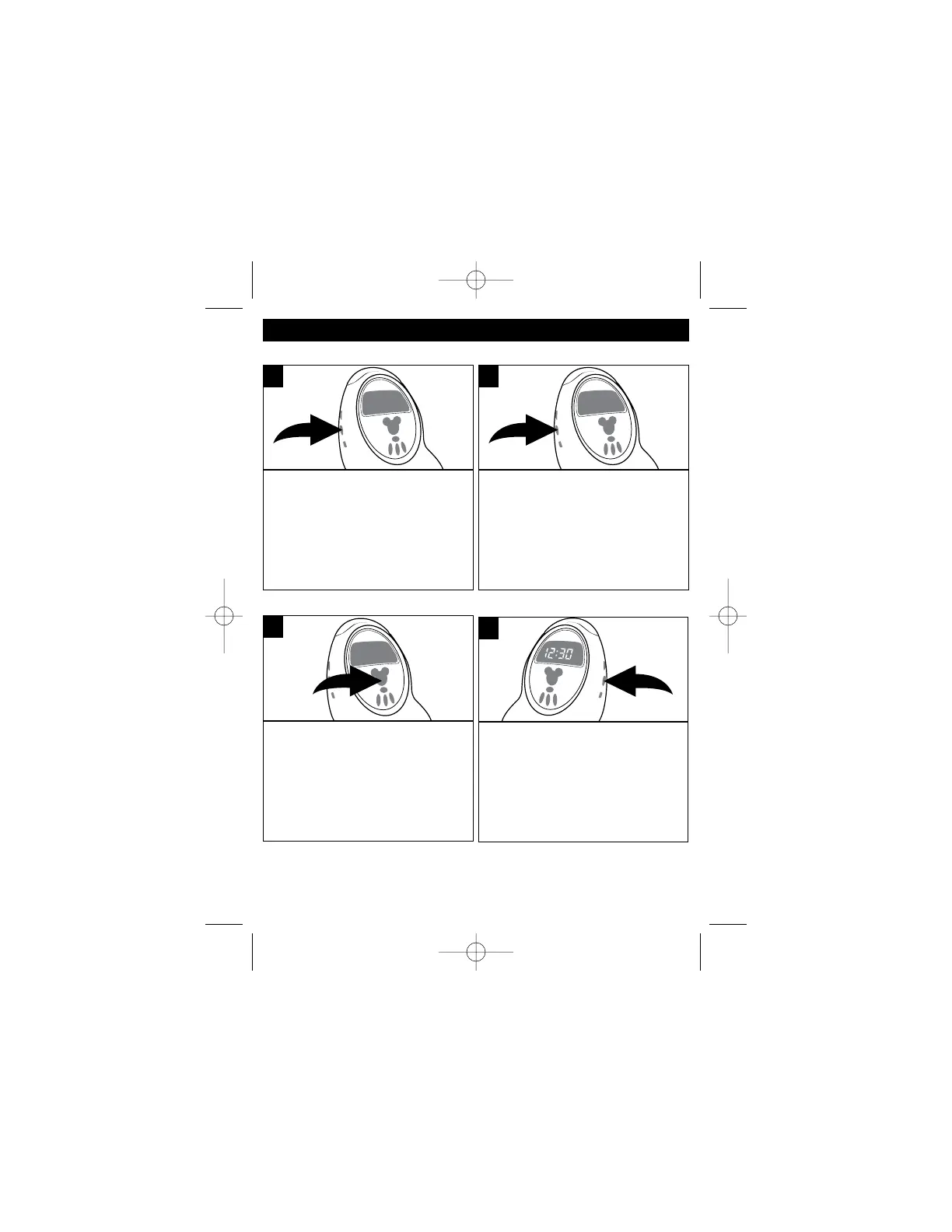
TO ACTIVATE THE SLEEP FUNCTION
Tune the desired radio station as
described on page 8.
Press the
Sleep button; the Sleep indicator will
light and “10” will appear on the
clock display, then release the
button. The unit will turn on for 10
minutes and then turn off.
1
To adjust the sleep time up to 90
minutes in 10 minute intervals,
repeatedly press the Sleep button.
2
To cancel Sleep, press the Radio
On/Off button.
3
DISPLAY LOW/HIGH
This unit has two levels of
brightness for the display.
Repeatedly press the Display
Low/High button until the desired
brightness appears in the display.
1



 To Next Page