Cartridge Song Selection Insert Batteries
2
17
Playing
Cartridge
Songs
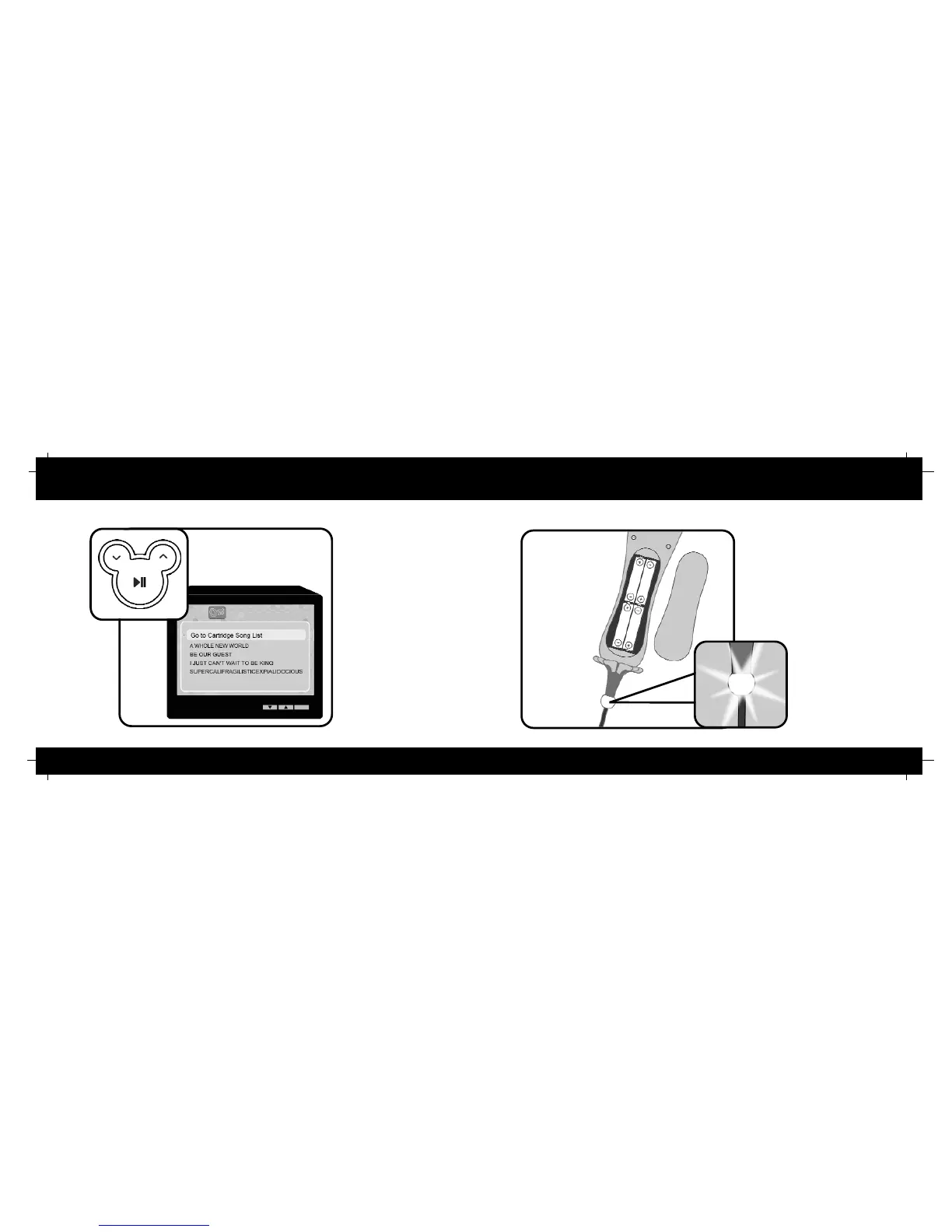
Use the up and down scrolling
buttons to select “Go to
Cartridge Song List “ from the
song list. Press Play to enter
the cartridge song list. Use the
up and down scrolling buttons
to move through the cartridge
songlist. Press Play to begin a
song. To return to the built in
song list, select “Go to Main
Song List” and press Play.
Karaoke
Power
Remove the battery cover and
insert four (4) AA batteries,
matching positive and negative
terminals as indicated. Replace
the battery cover. Press the Power
button and check that the Power
LED illuminates. Hold the Power
button down for 3 seconds to turn
the Player off.


 To Next Page