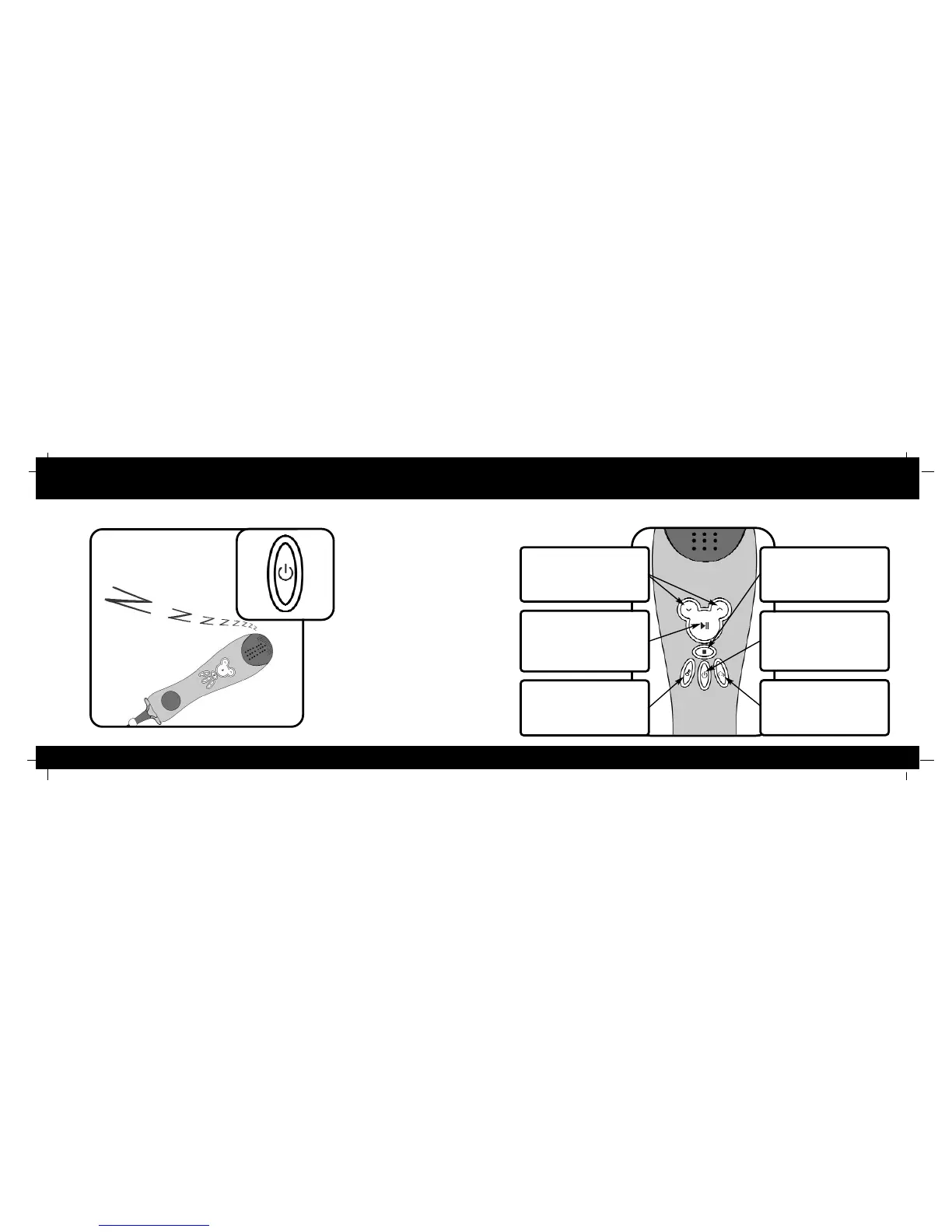
Auto Shutoff Quick Reference Guide
15
4
Up
and
Down
Buttons
Use these buttons to move
through the song list or change
the music tempo during song play.
Play
/
Pause
Button
Use this button to select a song
and begin playback. Press this
button again to pause the song.
Press it once more to resume.
On-KKey
tm
/
Scoring
Button
Press this button to activate
automatic pitch correction. Press
it again to activate scoring.
Stop
Button
Press this button to stop song
play and return to the song
selection menu.
Power
Button
Press this button to turn your
Player on. Hold this button down
for 3 seconds to turn your
Player off.
Voice
Transformation
Button
Press this button to activate voice
transformation. Press this button
again to move through the voice effect
choices.
Automatic
Shutoff
Your Karaoke Player will power
itself off if left inactive for two
minutes. Press the power
button to turn your Player on
again.



 To Next Page