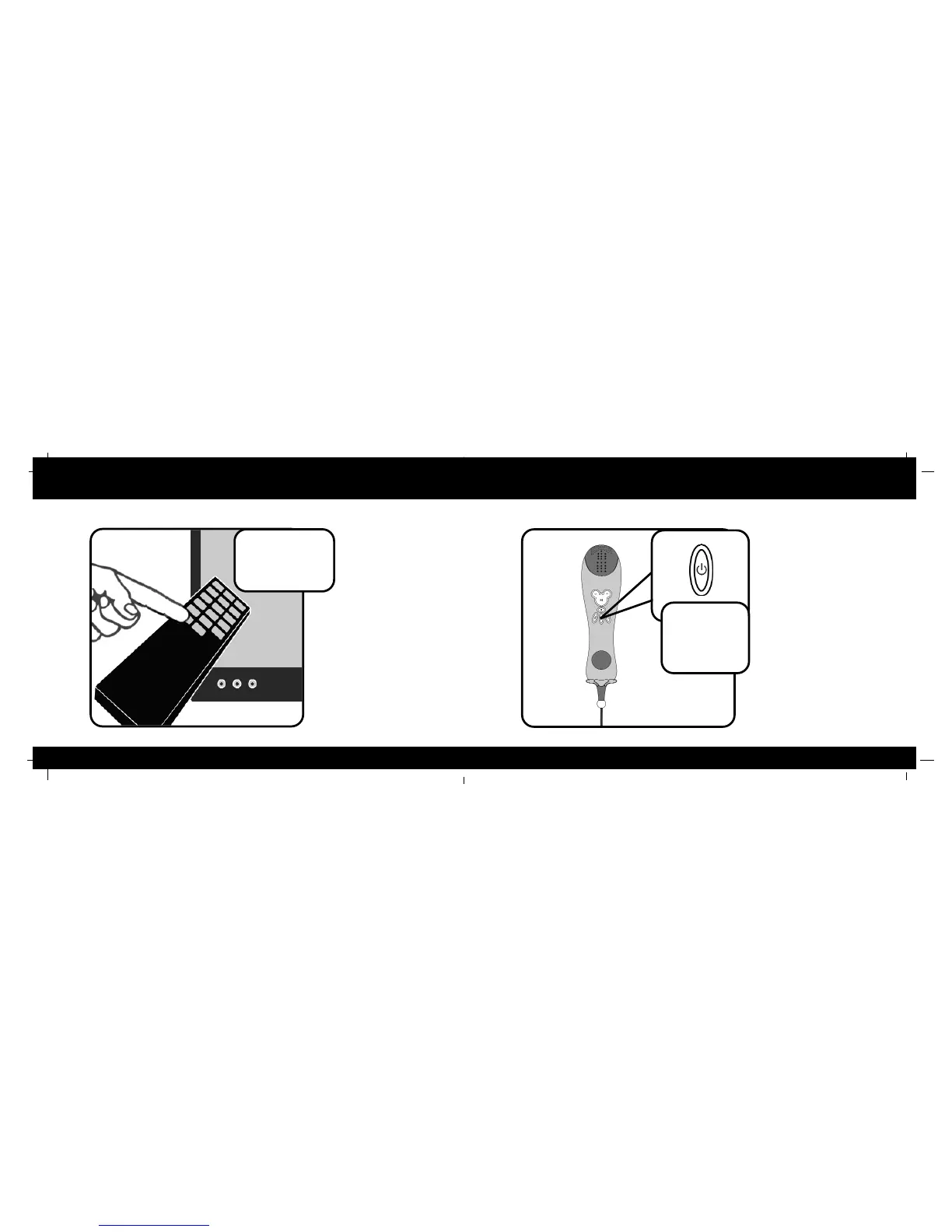
Set your TV to AUX Turning your Player Off
5
14
PPrreessss
ffoorr
33
sseeccoonnddss
To
turn
your
Karaoke
Player
off
hold the power
button down for 3 seconds. If
you press the power button for
less than 3 seconds during
use, the Player will not shut off.
AUX
LINE
Select
Line
In
You will need to put your TV or
VCR/DVD into “Aux” or “Line
in” Mode. This function may be
found on your TV or VCR
remote, or by turning the chan-
nel on your TV or VCR down
past 2 (Refer to your TV or
VCR owner’s manual). The TV
will show a start-up screen,
then a list of the songs that
came with your Karaoke
Player.



 To Next Page