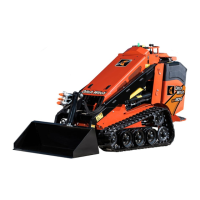
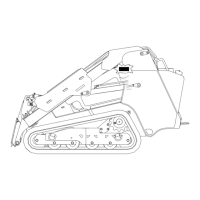
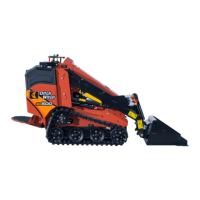
SK600 Operator’s Manual Controls - 39
Operator Station
Item Description IMPORTANT
1. Left track drive control
2. Right track drive control
To drive forward, push both
controls forward.
To drive in reverse, pull back.
To go faster in either
direction, move control
farther from neutral position.
To steer, move left or right.
See “Steer” on page 43.
Track drive joystick
(if equipped)
To drive forward, push.
To drive in reverse, pull.
To go faster in any direction,
move farther from neutral
position.
To steer, move left or right.
See “Steer” on page 43.
3. Throttle To increase engine speed,
push.
To decrease, pull.
Increasing engine speed also
increases attachment speed.
4. Parking brake To set, move left.
To release, move right.
Do not set parking brake when
machine is moving.


 To Next Page