Need help?
Do you have a question about the DIVERSITECH WS-1 and is the answer not in the manual?
Turn off power, position the device, and route the cable to the transformer.
Connect the Wet Switch wires (black, green, red, orange) to the transformer and system.
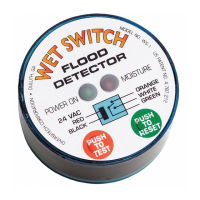
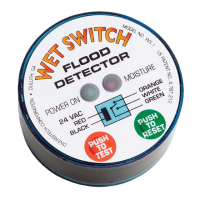
Restore power and press the test button to ensure proper function.
Address leaks, dry the sensor pad, and press the reset button for the system to resume operation.
Details on the Green LED (Power) and Red LED (Moisture Detected), and power consumption.
Information on the isolated relay contacts, including current rating and contact states.
Illustrates the standard wiring of the Wet Switch to a cooling system transformer.
Shows how to connect multiple Wet Switches in series to expand coverage.
 General
| Brand | DIVERSITECH |
|---|---|
| Model | WS-1 |
| Category | Security Sensors |
| Language | English |


 To Next Page