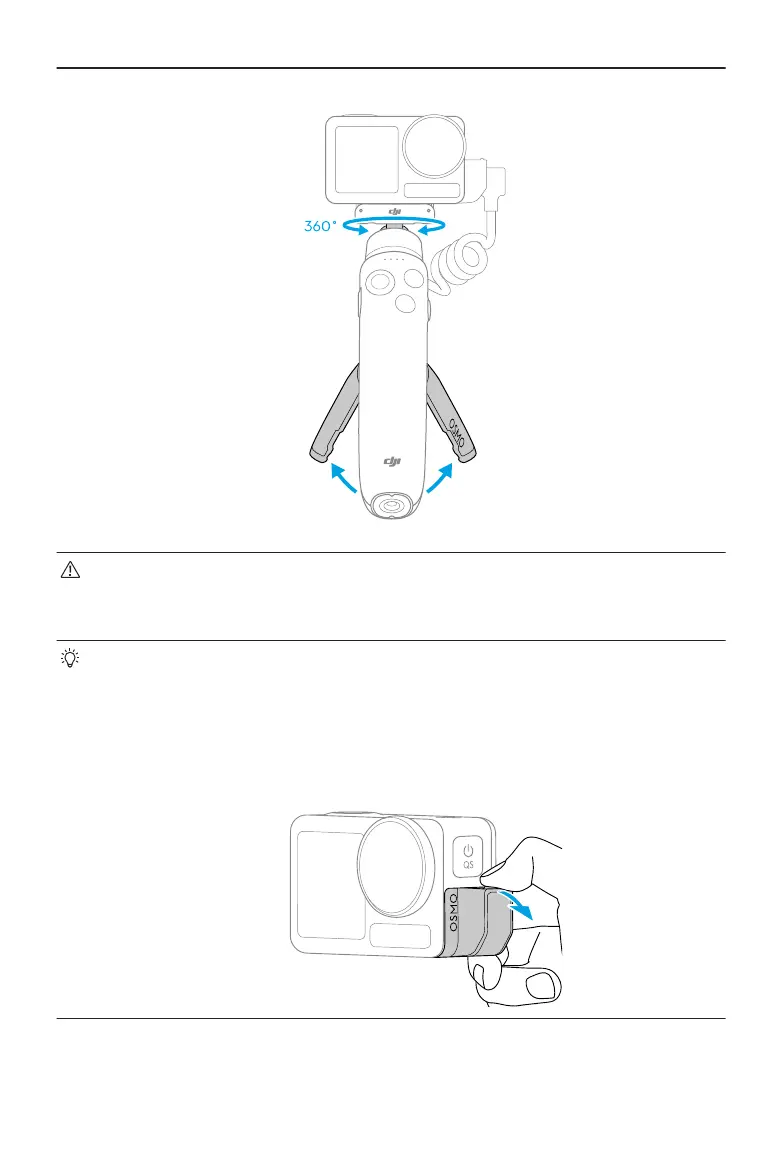
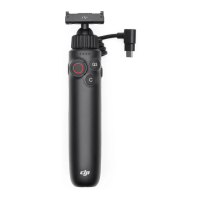
• The camera can only be charged after the charging handle is powered on.
• The charging handle will automatically shut down within 1 minute when the
charging handle is not connected to the camera and is not being charged.
• Press down on the camera until the clips of the magnetic ball-joint quick-release
adapter mount are rmly inserted into the quick-release slots on the camera.
Connect the USB-C connector of the charging handle to the USB-C port of the
camera.
• When detaching, remove the USB-C connector of the charging handle, then
gently press and remove the charging port protector as shown in the diagram.
Osmo Action Multifunctional Charging Handle User Guide
© 2024 DJI All Rights Reserved. 7


 To Next Page