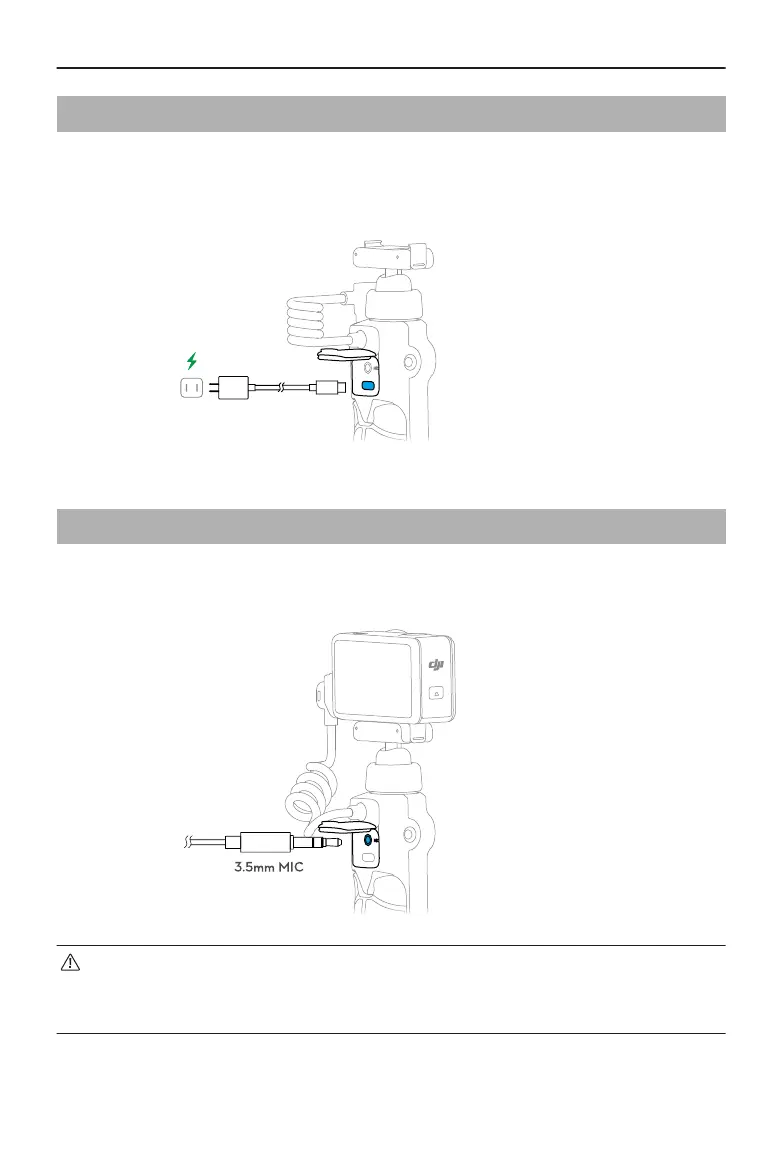
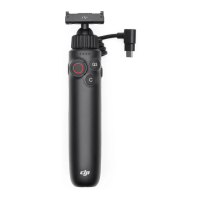
2.2 Charging the Charging Handle
Open the USB-C protective cover on the back of the product, connect the product to the
charger via the USB-C port. The status LEDs will ash and display the battery level during
the charging process. Once the battery is fully charged, all the status LEDs will be on.
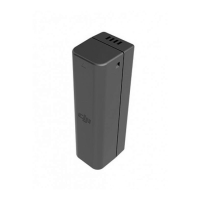
2.3 Microphone Connection
The 3.5mm TRS Mic input port on the back of the product supports connecting to a
3.5mm three stage microphone.
• Headphones with a 3.5mm plug are not supported.
• Make sure that the charging handle has power when connecting to a
microphone.
Osmo Action Multifunctional Charging Handle User Guide
8 © 2024 DJI All Rights Reserved.


 To Next Page