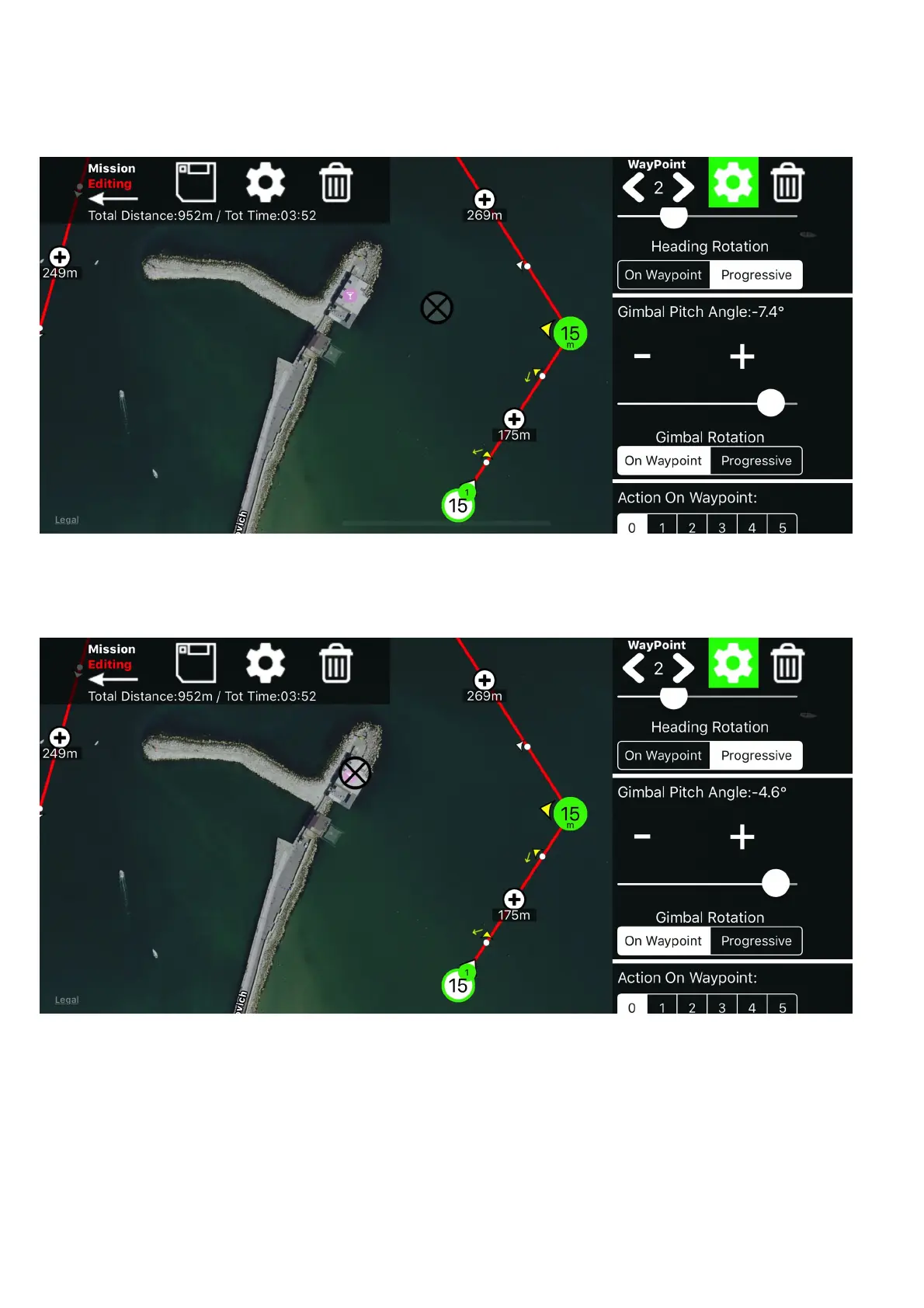
Gimbal Pitch Angle
you can set the gimbal pitch angle, here you can also set “on waypoint” or
“progressive” with the same logic explained above for the heading
while you edit the gimbal angle, a “target” will appear that show you what will be
in the center of the frame, so you can easily adjust it
note: keep in mind that the target position is calculate by the altitude and the
angle, considering that what you see on map is at the same take off altitude.
(Using “POI” the gimbal pitch angle will be automatically adjusted also
considering the POI altitude)


 To Next Page
 Loading...