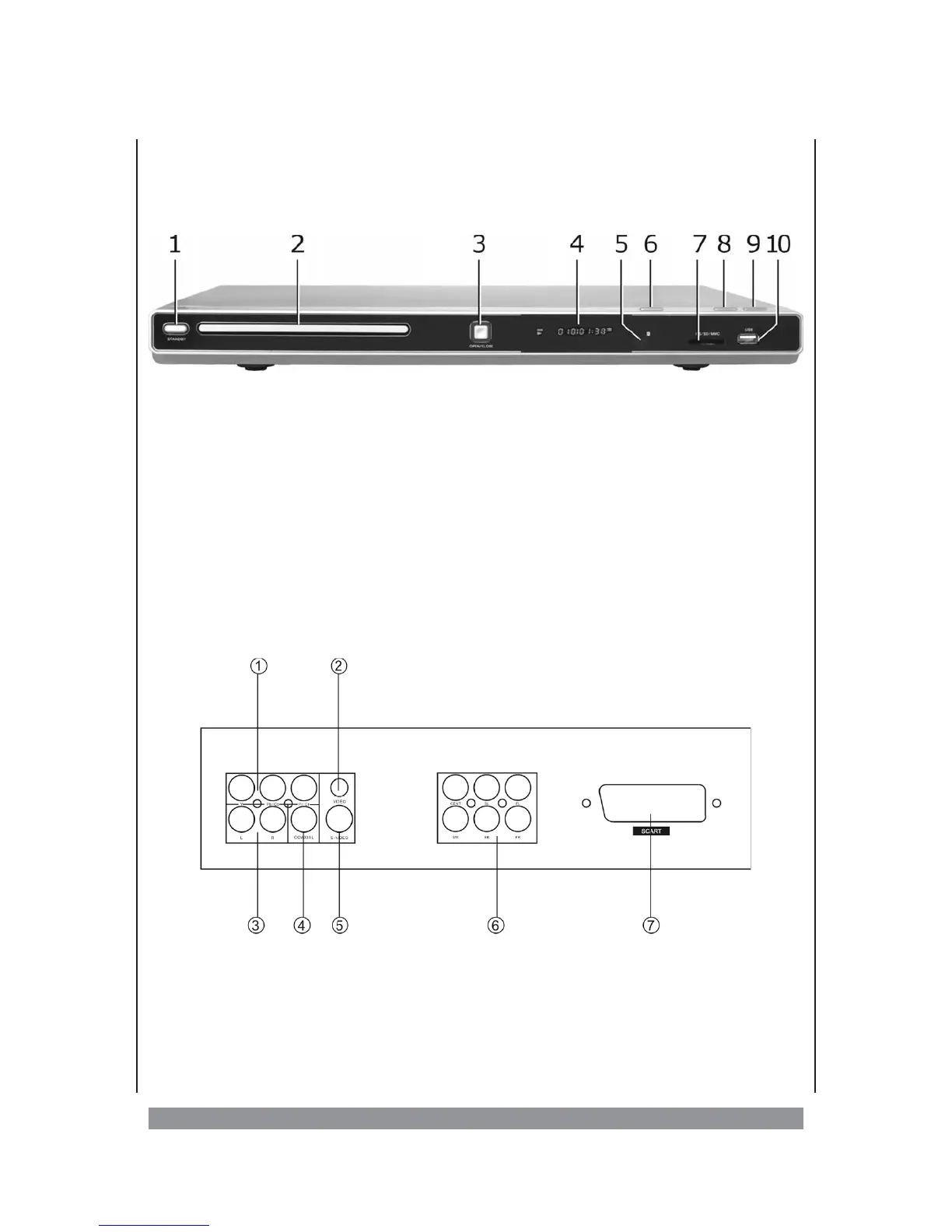
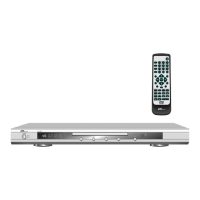
Overview of the control elements...
...onthefront panel
1. STANDBY - on / off switch
2. Disc tray - insert the disc here
3. OPEN/CLOSE - opens / closes the disc compartment
4. Display - display for the play information
5. IR (InfraRed) - receives the signals of the remote control
6. PLAY - starts the play mode
7. MS/SD/MMC - here you can insert suitable flash memory media
8. PAUSE - pauses the play mode
9. STOP - stops the play mode
10. USB - USB socket
...ontherear panel
1. Colour component video output (YUV)
2. Video output (Composite)
3. Stereo audio outputs L / R
4. Coaxial digital audio output
5. S video output
6. 5.1 channel audio output (front L / R, centre, rear L / R, subwoofer)
7. SCART socket
9


 To Next Page