Memory card slots /USB memory device
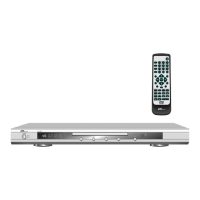
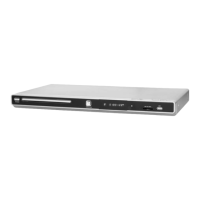
To the front right of your DVD player, there is a card slot. This is suitable only for the
following types of memory cards:
SD card (Secure Digital Card)
Multimedia card (MMC),
MS card (Sony memory stick)
To the right, next to the card slot, there is a USB connection where you can connect USB
storage devices of the type "USB Mass Storage Devices" . External hard disks or USB hubs
cannot be connected.
Ø
Never try to insert cards different from those mentioned in here into the
slot!
Ø
Make sure that you insert the cards in the correct manner, with the labelled
side on top. Never use force.
Ø
Media files of MP3, WMA, JPEG and MPEG formats can be played by inserting
cards:
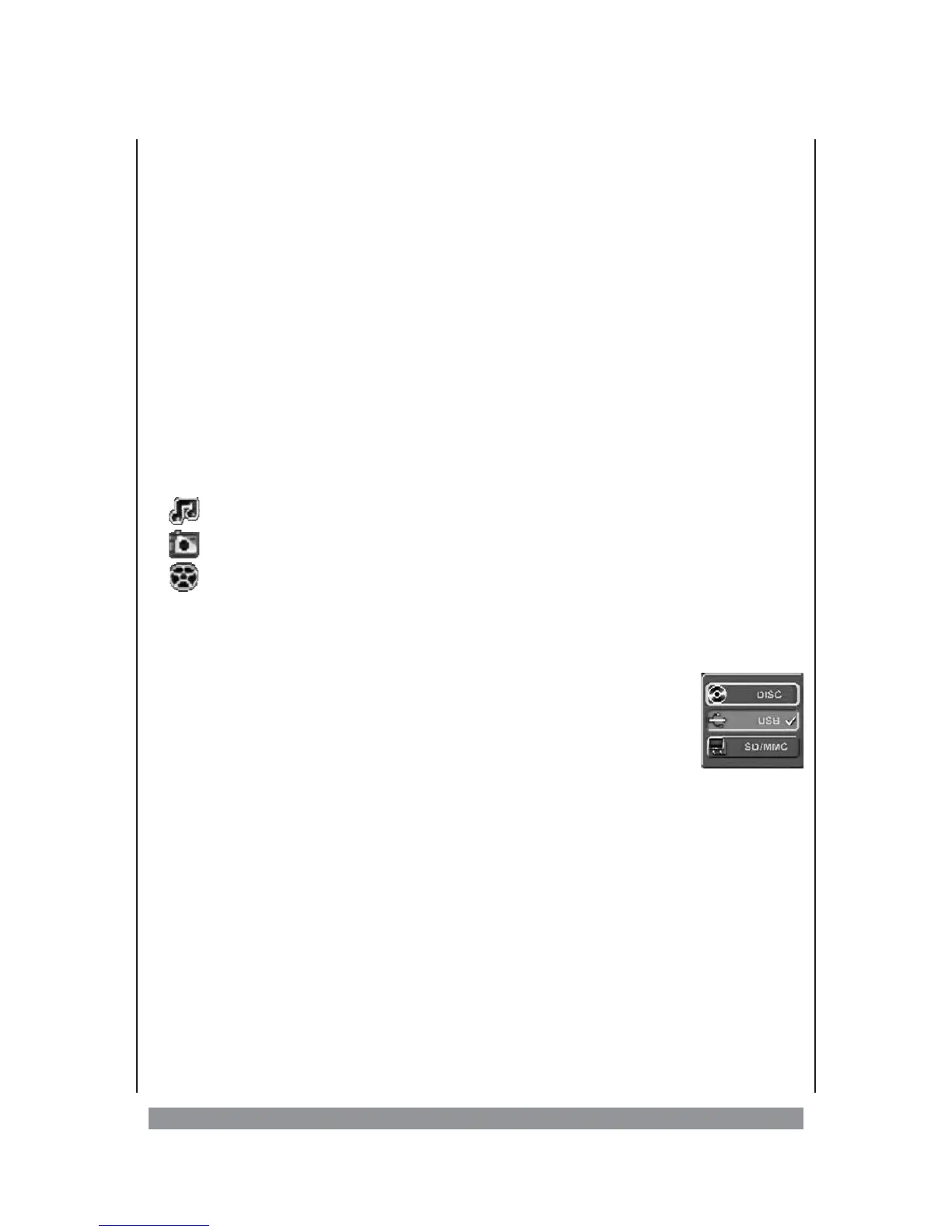
symbol audio files,
symbol picture files,
symbol video files,
If required, remove the disc, close the disc tray and connect the desired memory device
with the suitable slot or connection. The device automatically looks for suitable media files.
A main menu appears in which files or directories are listed on the left. You can navigate this
menu using the 3456 buttons.
To switch to another memory device, stop play (press the STOP button
twice) and press the USB/CARD button. Now using either 3456 or
ENTER, select the desired playback source.
14


 To Next Page