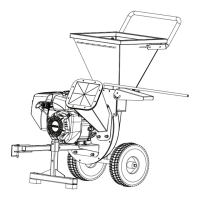
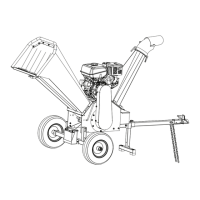
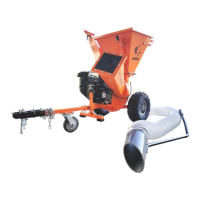
OPC503 INSTRUCTIONS
1. Remove bolts and Feed Chute
2. Remove chute and Clean the
mounting area of all debris
3. Align holes and Door Frame
4. Install Door with flange DOWN
and hole to the left side.
5. Remount the feed chute and bolts 6. Door slides in-out freely
Install Vacuum Door
HOLE


 To Next Page