DLI 8 Product Manual Rev. 1
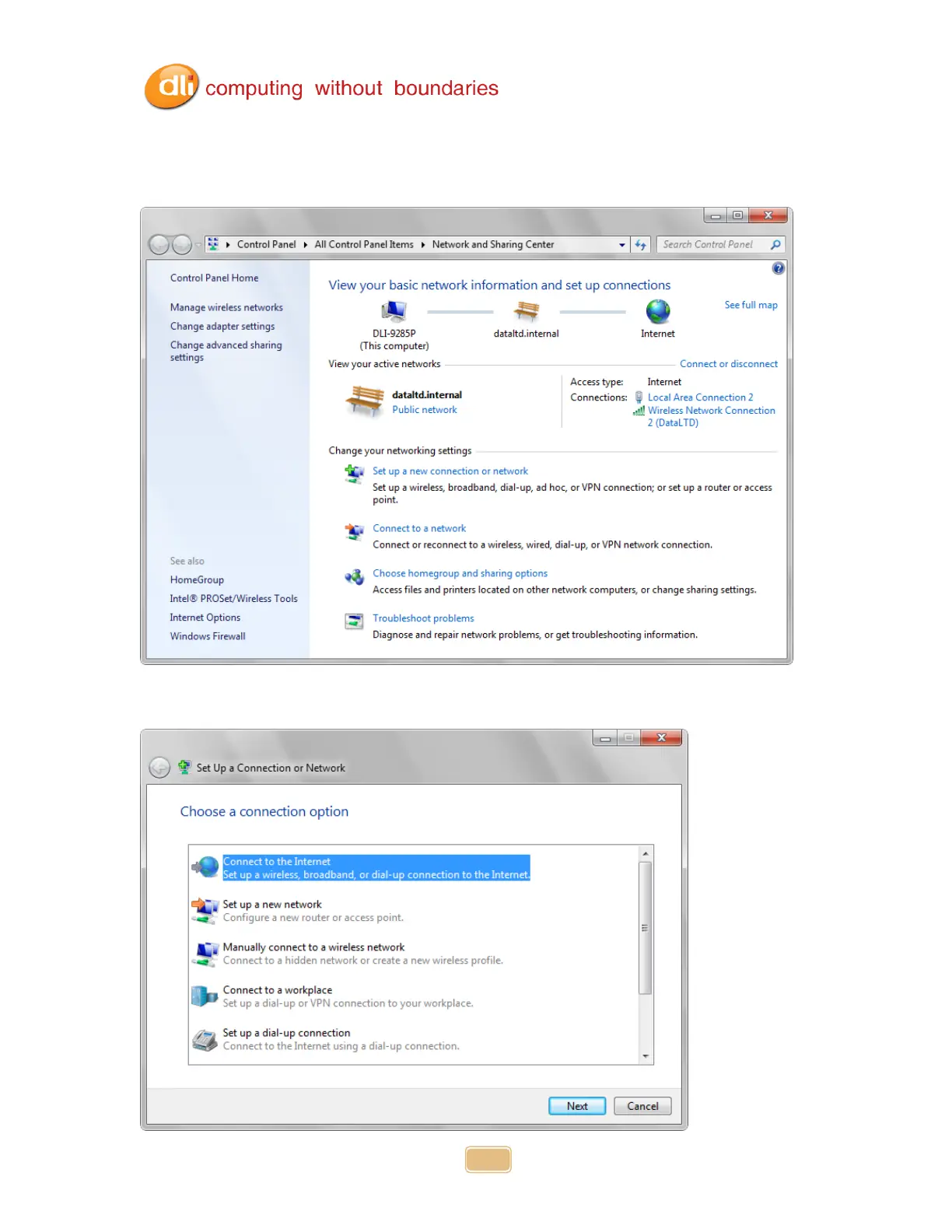
Selecting Open Network and Sharing Center will bring you to the window below. Here
you can view your Network Map, your Active Networks, your Connection types and info.
You can also set up new connections or networks. Enter a domain or homegroup and
edit sharing options.
Selecting Set up a Connection or Network brings up an easy to use wizard that helps
create a connection to your network and or the Internet. Choose the option that fits what
you need to do.



 To Next Page