Revision: 0
FlexxPump 500 DLS
Continuation sheet
11
EN-
SCHMIERSYSTEME
DIRECT LUBRICATION SYSTEMS
D L S
9.2 Oil-rell
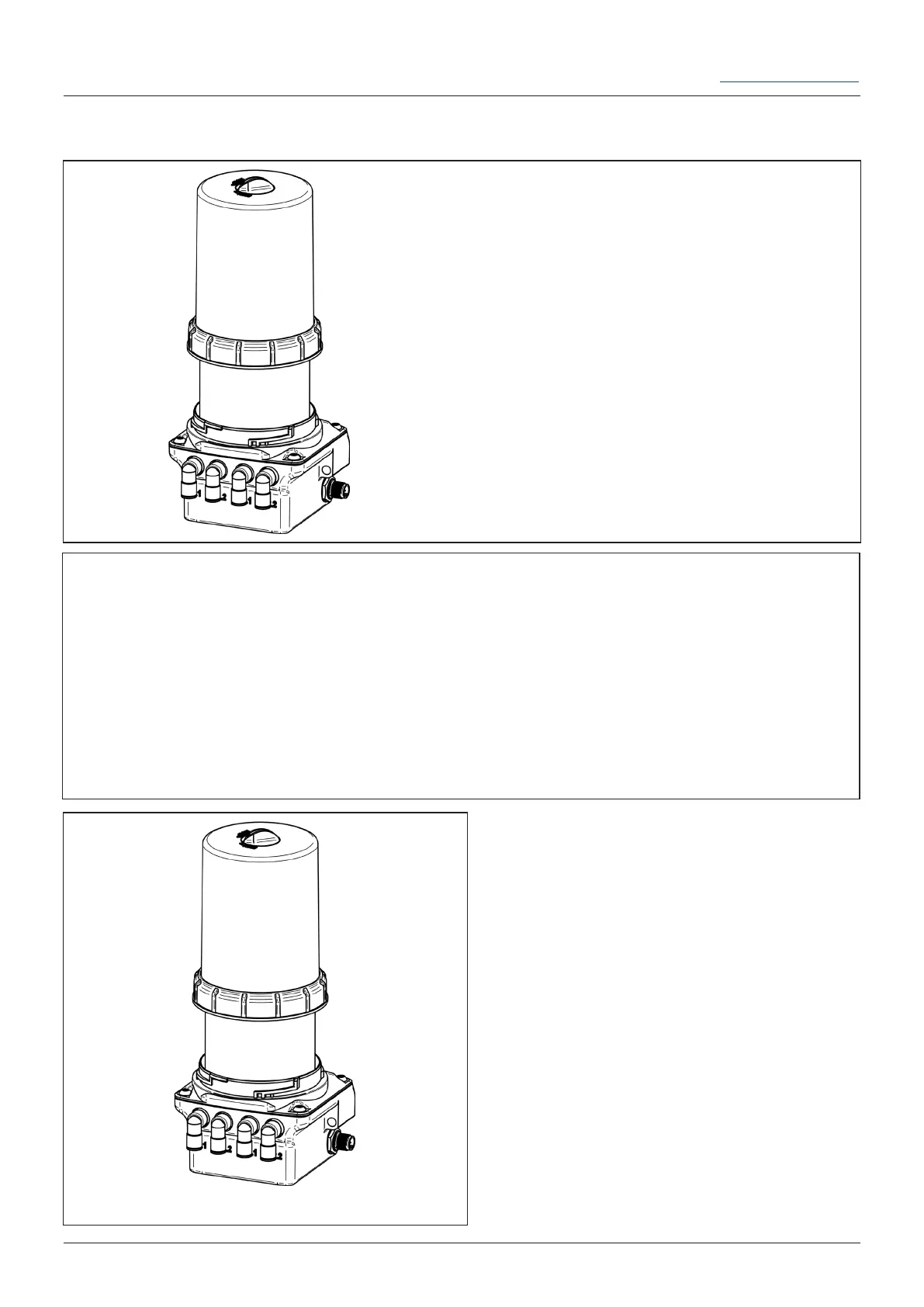
1. Remove the housing from the power unit
of the FlexxPump 500 DLS.
Separate the housing from the power unit
by turning the retaining ring counterclock-
wise.
Make sure that no dirt, water or foreign
bodies enters the lubricant inlet.
As Alternative you can remove the lid on
top of the housing,drehe to lay open the oil
reservoir. Turn the lid to OPEN and pull it
o.
2. Filling of the cartridge with oil
Fill the cartridge with oil until the mark
"max. Füllstand" is reached.
Make sure you ll the cartridge neat, that
no dirt, water or foreign bodies enters the
lubricant inlet.
3. Assembling the housing on the power unit
of the FlexxPump 500 DLS.
Place the dismantled housing on the
FlexxPump 500achte and press it onto the
power unit.
Fasten the housing to the power unit by
turning the retaining ring clockwise.
The retaining ring must snap into place
when turning and be completely tightened.
Mount the lid back onto the housing, if
you removed it for filling the oil cartridge.
The lid has to be in the position CLOSE.


 To Previous Page
 Loading...