23
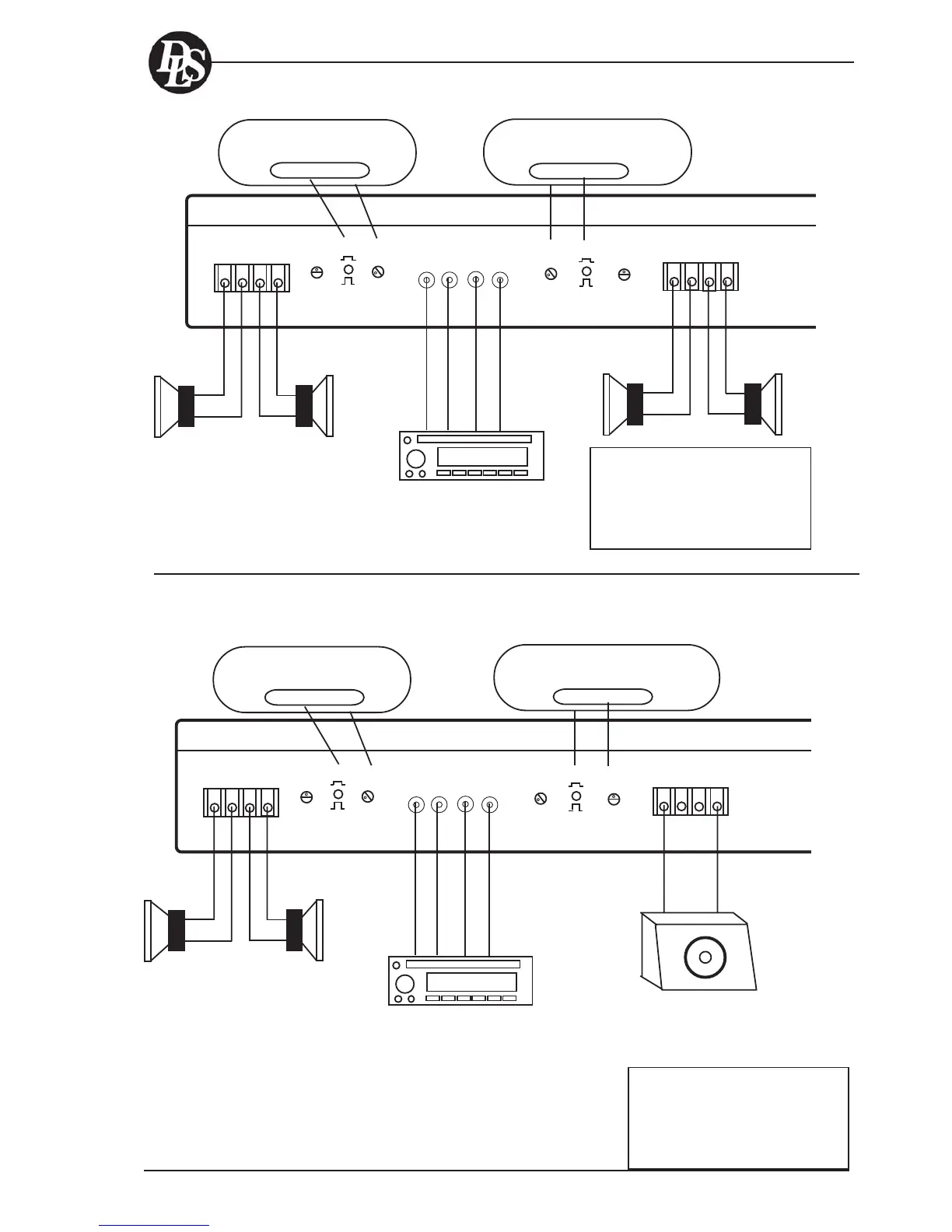
Example 1: Speaker wiring with front and rear speakers
+
+-
-
+
+-
-
FM1 107,3
Pre out
front
Pre out
rear
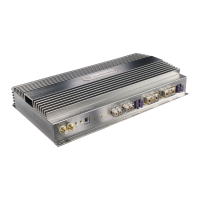
ULTIMATE A8
REAR SPEAKERS
+LEFT- +RIGHT-
FRONT INPUTS REAR
LEFT RIGHT LEFT RIGHT
HP-filter change
by bottom switch
FRONT SPEAKERS
+LEFT- +RIGHT-
5V 0,5V
LEVEL
LP-filter
OUT
IN
50 125
Hz
50 125
Hz
HP-filter change
by bottom switch
OUT
IN
5V 0,5V
LEVEL
LP-filter
Example 2: Speaker wiring with a front speaker system and one or more
subwoofers
REAR SPEAKERS
+LEFT- +RIGHT-
FRONT INPUTS REAR
LEFT RIGHT LEFT RIGHT
HP-filter change
by bottom switch
FRONT SPEAKERS
+LEFT- +RIGHT-
5V 0,5V
LEVEL
LP-filter
OUT
IN
50 125
Hz
50 125
Hz
HP-filter change
by bottom switch
OUT
IN
5V 0,5V
LEVEL
LP-filter
Use one RCA cable with Y-split, or two
separate RCA-cables for signal from head
unit to amplifier.
Filter settings:
Front: HP-filter 85 Hz or OFF
LP-filter OUT
Rear: HP-filter 85 Hz or OFF
LP-filter OUT
FM1 107,3
Pre out
front
Pre out
rear
+
+-
-
Filter settings:
Front: HP-filter 85 Hz or OFF
LP-filter OUT
Rear: HP-filter 85 Hz or OFF
LP-filter IN
Use one RCA cable with Y-split, or two
separate RCA-cables for signal from head
unit to amplifier.
Button out
LP-filter not in use.
Button Out
LP-filter not in use
Button Out
LP-filter not in use
Subwoofer
2 - 4 ohm
Button in
LP-filter setting:
70 - 80 Hz.
WIRING EXAMPLES A8
If you have problems with the mid
bass driver ”reaching the bottom”
(the voice coil touches the bottom
pole plate) at high volumes, use
the HP-filter to avoid this with a
setting at 50 - 80 Hz or higher.
Make your own tests.


 To Next Page