28 29
Mail Notification
SMTP Server
Sender (Name)
Recipient (Name)
User Name
Password:
Note: To obtain this information please contact your e-mail service provider.
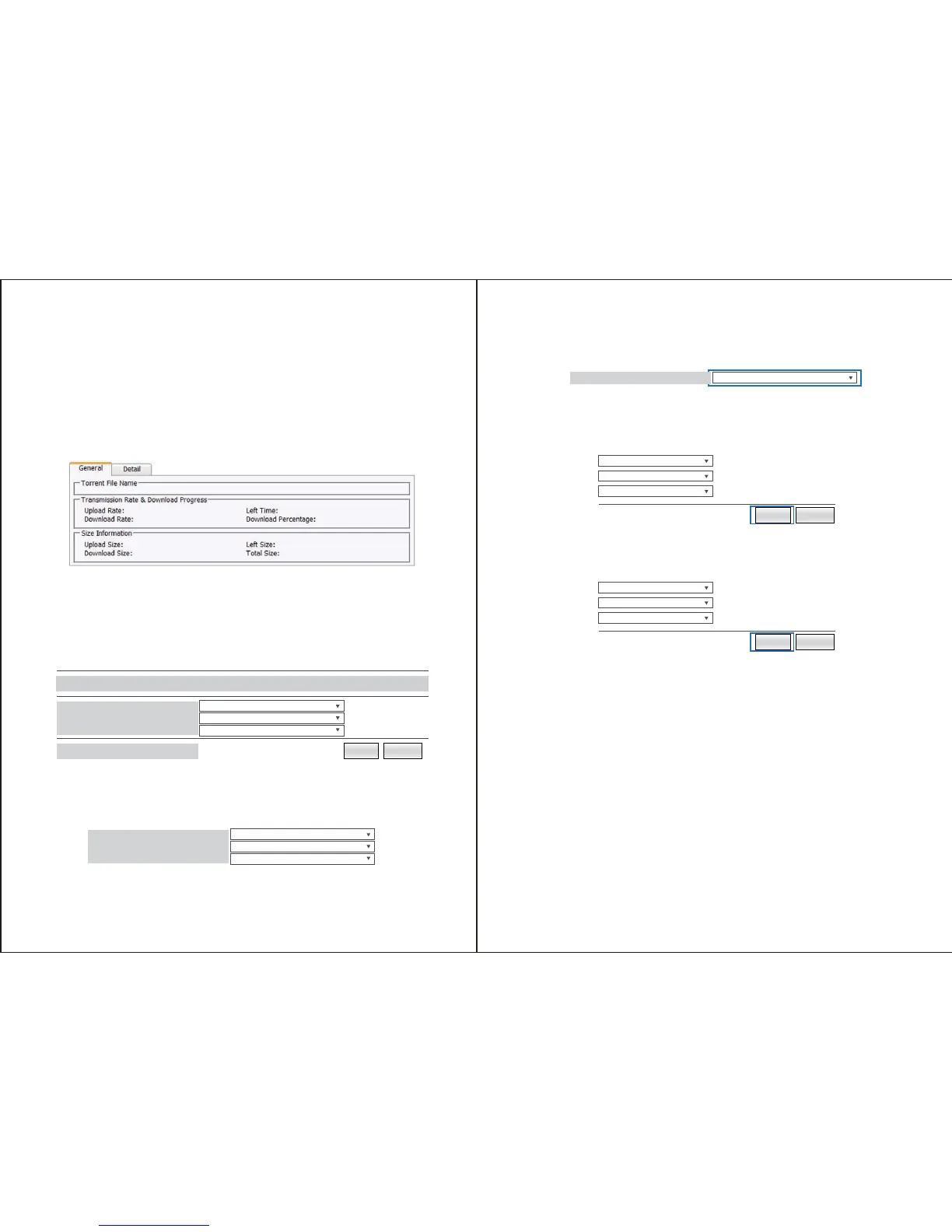
The General and Details Tabs below the Download Queue show you specific Information
regarding the selected torrent file in the Download Queue.
Enables you to build a iTunes Playlists based on available media and which folders contain
which type of media within specific folders on your drives.
Select the drop down menu next to the specific media type that you would like to share
using DNLA and UPnP AV.
From within the drop down menu, select the specific folder you would like pull the selected
media type from.
To build a iTunes playlist form the music folder, click the build button to create the playlist.
If you wish to delete the playlist highlight it from the iTunes Playlist section and click the
Remove button.
Enables you to create, modify, limit, disable or delete specific user accounts. You an also
manage Folders, including creating folders, deleting folders, and specify folder accessibility
for each account.
Note: By Default an account entitled Guest is created with no password. The account has
access to the default public folder.
App Server - Mdia Server
User Set-Account
Build Remove
PUBLIC
PUBLIC
PUBLIC
Not found
Media Server
Photo Folder
Music Foler
Video Folder
iTunes Playlist Cache
PUBLIC
PUBLIC
PUBLIC
Photo Folder
Music Foler
Video Folder
Photo Folder
Build Remove
Build Remove


 To Next Page