2 263LTE -V INSTALLATION GUIDE | DIGITAL MONITORING PRODUCTS
1. Navigate to the Dealer Admin site (DMPDealerAdmin.com).
2. Click Customers in the right-side menu and select a customer.
3. Click Add System.
4. Enter a System Name.
5. Select XTLplus from the System Type drop-down menu.
6. Select either Cellular or EASYconnect + Cell Backup in the Connection Type field.
7. Enter the SIM number found on the 263LTE-V label and click Get Status.
8. Enter the Account Number.
9. Select a Rate Plan for the 263LTE-V.
10. Click Activate Cellular Device.
2
Dealer Admin Activation
CONNECT THE ANTENNA
Be sure to only use the included 383LTE antenna when installing the 263LTE-V.
XT30/XT50 Series Panel
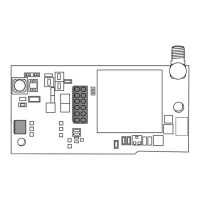
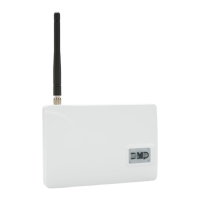
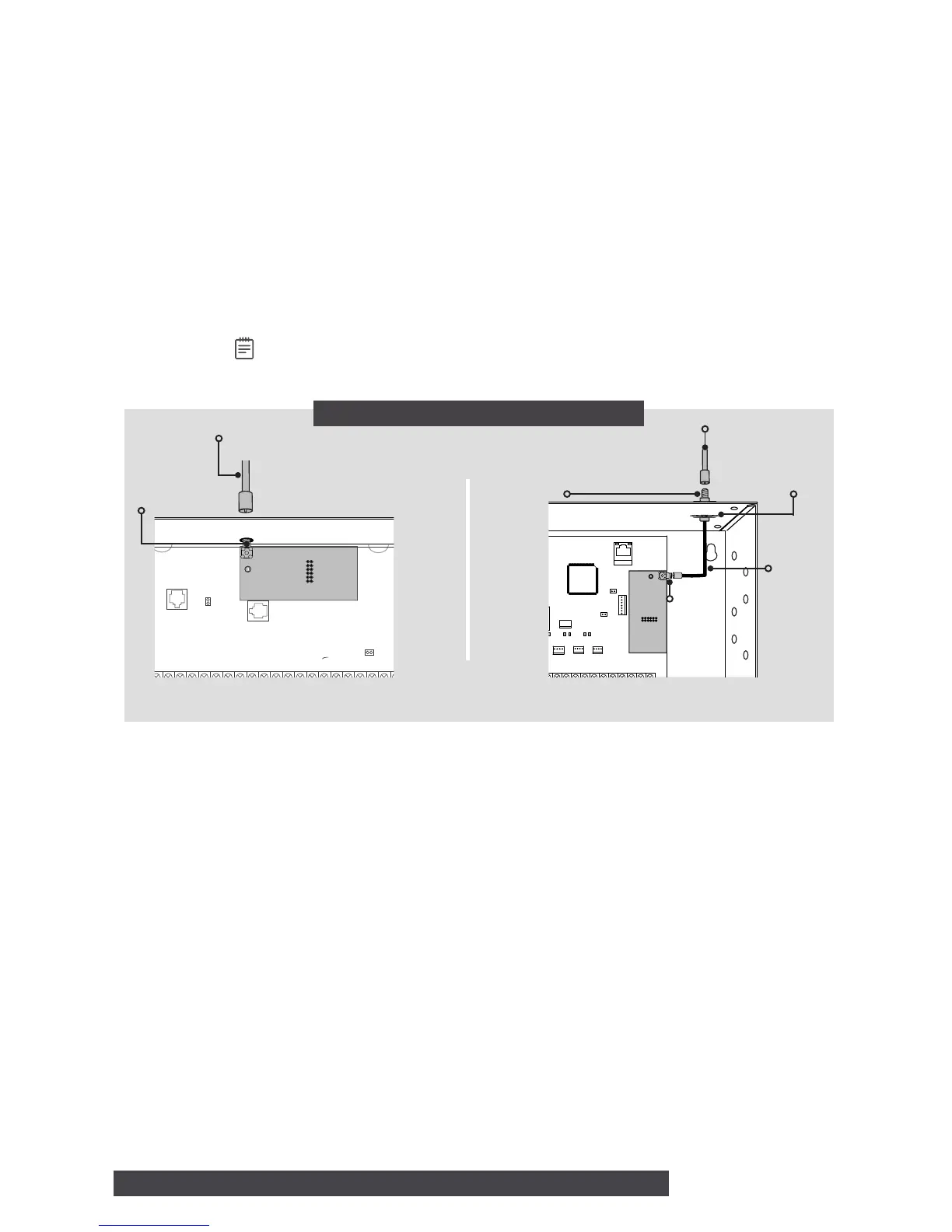
Connect the included LTE antenna to the 263LTE-V SMA connector. See Figure 4.
XR150/XR550 Series Panel
1. If you're installing a 263LTE-V/381-2, attach one end of the included coax cable to the
263LTE-V SMA connector.
2. Position one washer onto the other end of the coax cable and push the threaded end
through the antenna knockout hole.
3. Position the second washer onto the threaded end that extends through the antenna
knockout hole and secure the nut.
4. Attach the included LTE antenna to the coax cable SMA connector. See Figure 5.
Note: As an alternative, the coax cable can be connected directly to the 263LTE-V
SMA connector when the coax cable enters the enclosure via conduit.
3
ACTIVATE THE 263LTE-V
Cellular service is required before you can use the 263LTE-V for signal transmission. The
263LTE-V comes ready for activation with SecureCom
TM
Wireless, LLC. Use Remote Link
TM
,
the Dealer Admin
TM
site (DMPDealerAdmin.com), the Tech APP
TM
, or call DMP Customer
Service (1-866-266-2826) to activate the 263LTE-V.
CONNECT THE ANTENNA
LTE Antenna
Figure 4: XT30/XT50 Series Panel


 To Next Page
 Loading...