6
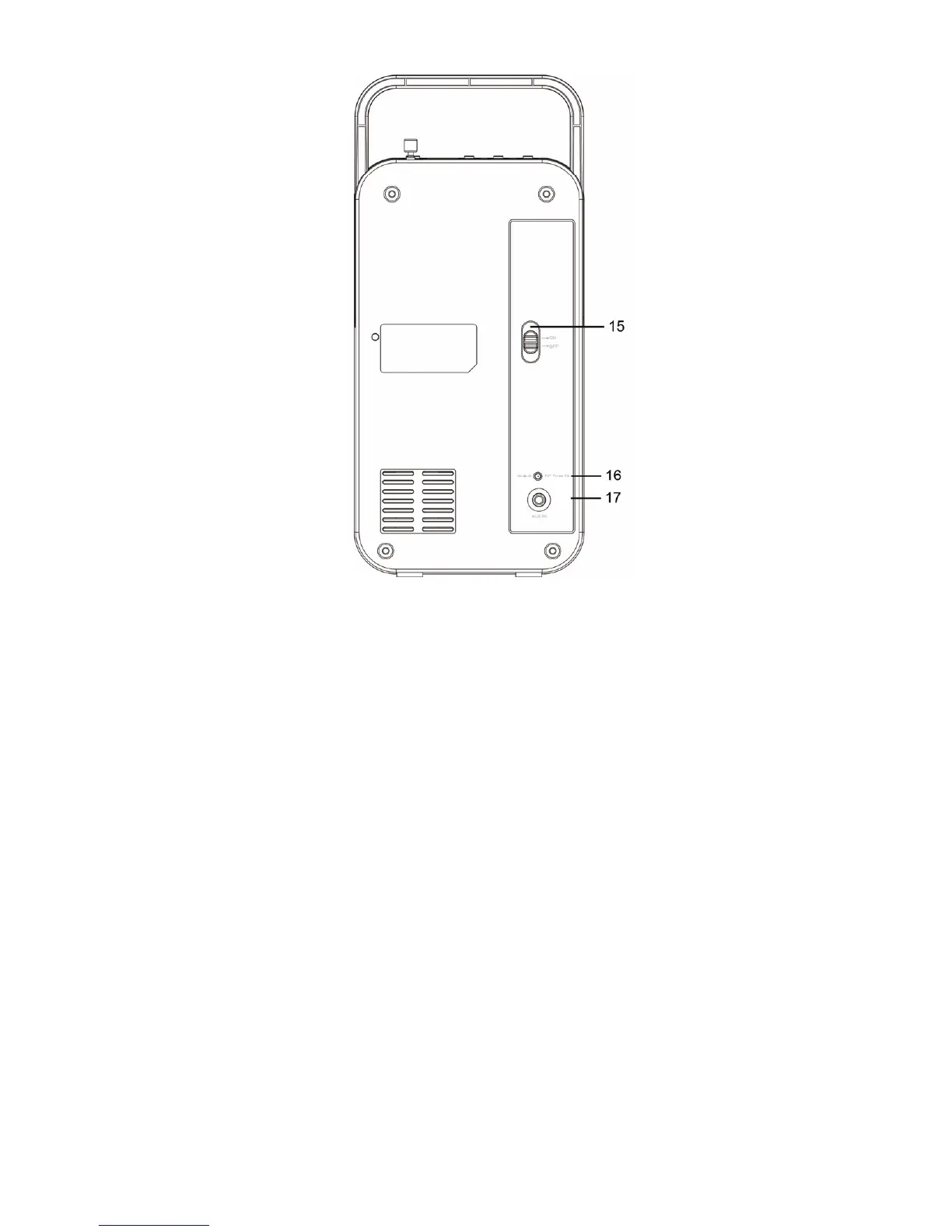
BACK VIEW
1. PRESET Button
• Short press this button to enter the radio station presets recalling
mode.
• Press and hold this button to enter the radio station storing mode.
2. FUNCTION Button
• Press & hold this button to toggle between “Power On” and
“Standby” mode.
• Short press this button during “Power On” mode to select different
play modes: DAB, FM or Aux In.
NOTE:
After three minutes of not operating the unit the screen will
automatically darken but the current function is still running. Press
any key the screen will light up again.
3. INFO Button
In DAB/FM mode: Cycle through further information screens and return
to the normal Now Playing Screen.


 To Next Page