14
OPERATING THE UNIT IN FM MODE
FM radio mode receives analogue radio from the FM band
(87.5-108MHz) and display RDS (Radio Data System) information
about the station.
1. Fully extend the telescopic antenna.
2. Press and hold the FUNCTION button to turn on the unit during
standby mode.
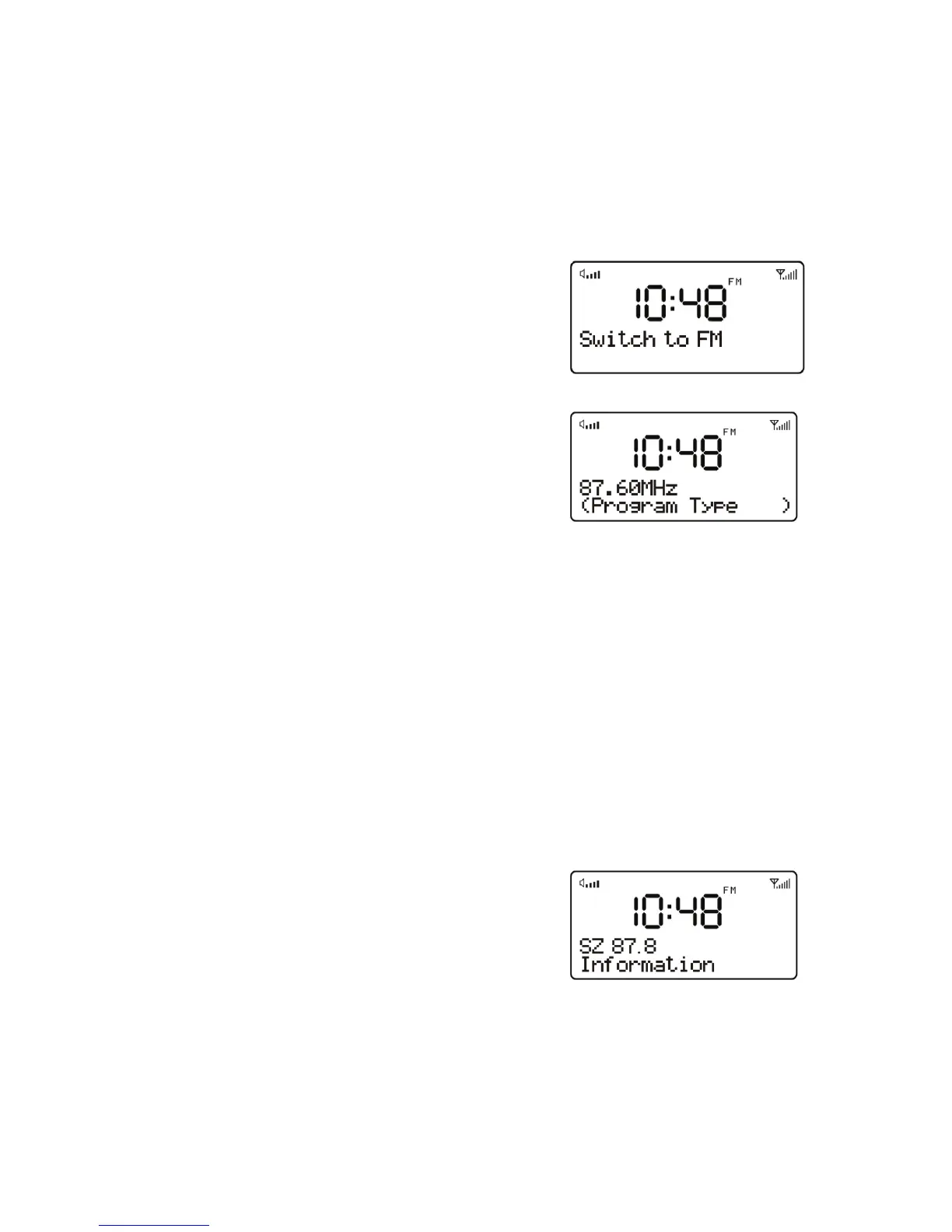
3. Short press the FUNCTION button to
select FM mode.
4. Press the DOWN or UP button to
search the station, it will then stop
automatically at the first station it
finds.
5. Short press DOWN or UP button to tune the radio up or down in 50
KHz steps for fine tuning.
6. If the reception is too weak and there is noise on the received
station, try to improve the reception by changing the position of the
telescopic antenna
Station presets
The unit allows you to store up to 20 FM stations which work in the
same way as described in DAB mode.
Now playing information
While FM radio is playing, the screen
shows its frequency, or if RDS information
is available, station name and any further
‘RadioText’ information. If no information is
available, just the frequency and a No Radio Text message is shown.


 To Next Page