19
Reset
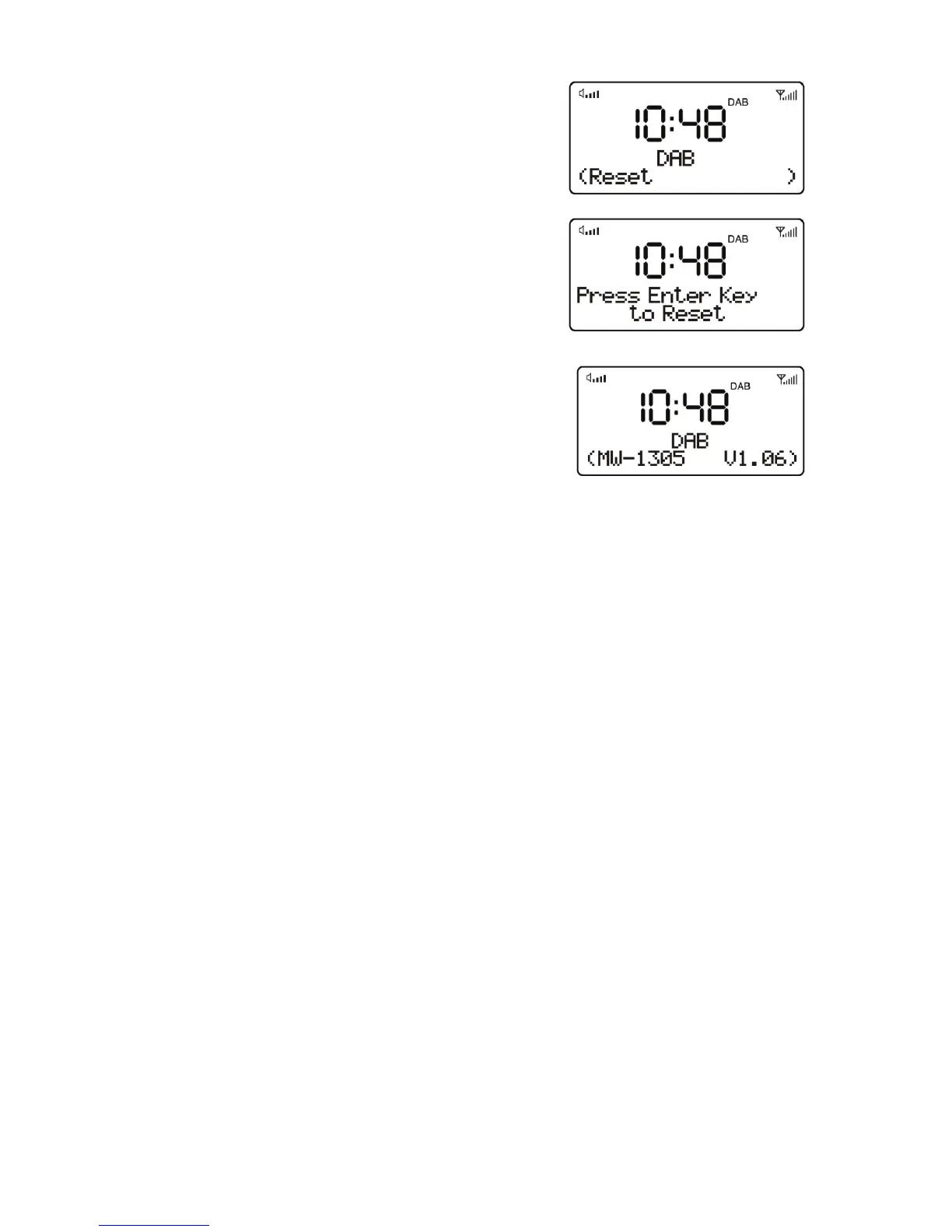
The reset clears all user defined settings,
replacing them with the original default
values, so time/date, DAB/FM station list
and preset stations are all lost.
If you select Reset, you can see the “Press
Enter Key to Reset” appear on the display.
SW Version
Press MENU button, then press UP button
select to display the current software
version.


 To Next Page