Getting started
8
Getting started
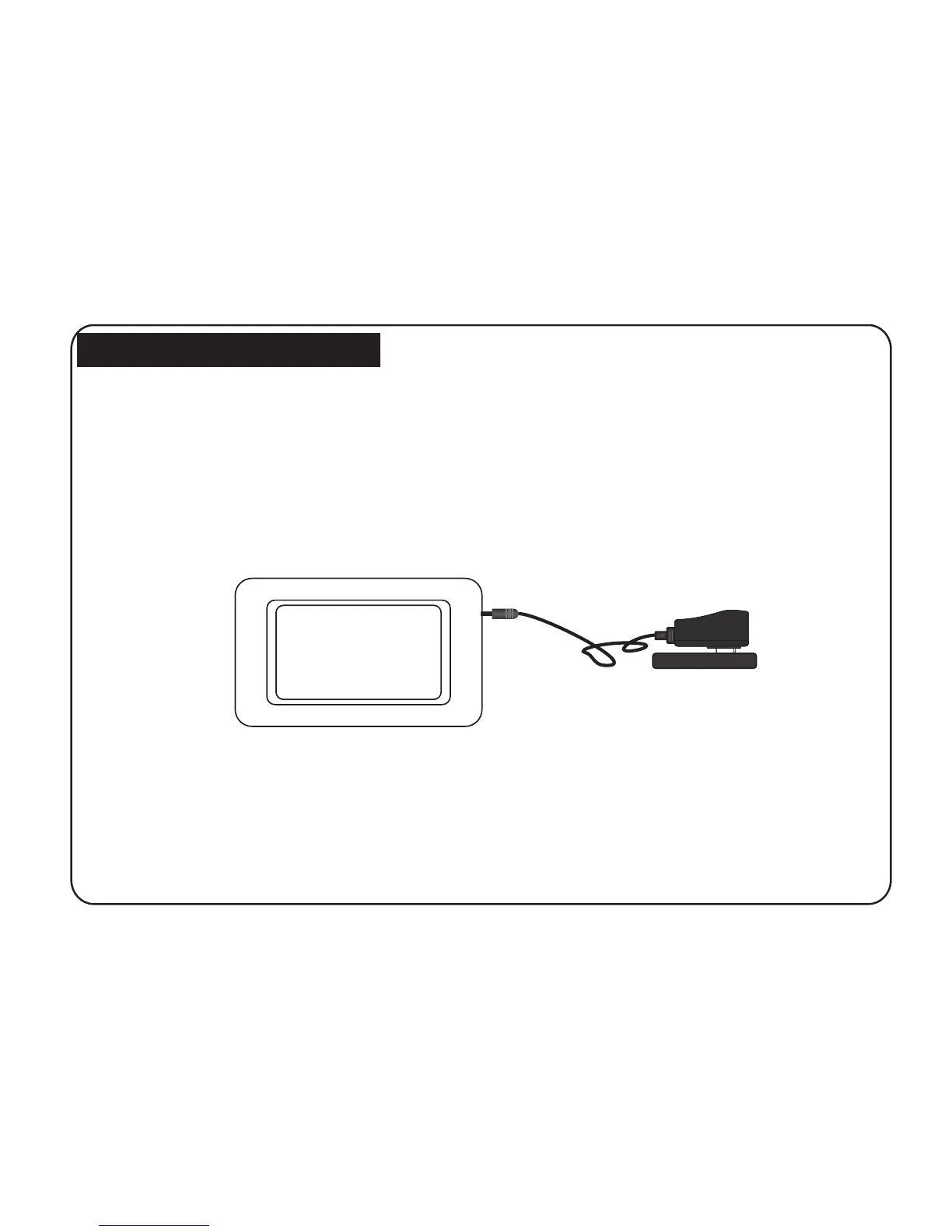
1. Assemble the Multimedia Digital photo Frame bracket to prop the unit up insert adaptor DC plug into
the DPF player first, then plug the power cord to a standard wall outlet.
Getting started
8
Getting started
1. Assemble the Multimedia Digital photo Frame bracket to prop the unit up insert adaptor DC plug into
the DPF player first, then plug the power cord to a standard wall outlet.
Getting started
8
Getting started
1. Assemble the Multimedia Digital photo Frame bracket to prop the unit up insert adaptor DC plug into
the DPF player first, then plug the power cord to a standard wall outlet.
Getting started
8
Getting started
1. Assemble the Multimedia Digital photo Frame bracket to prop the unit up insert adaptor DC plug into
the DPF player first, then plug the power cord to a standard wall outlet.
power adapter
socket
SD/MMC card, then will play the pictures in the card.
Then the screen will display as below: ( will play the pictures auto matically stored), If insert the



 To Next Page