English
18
Auxiliary Function
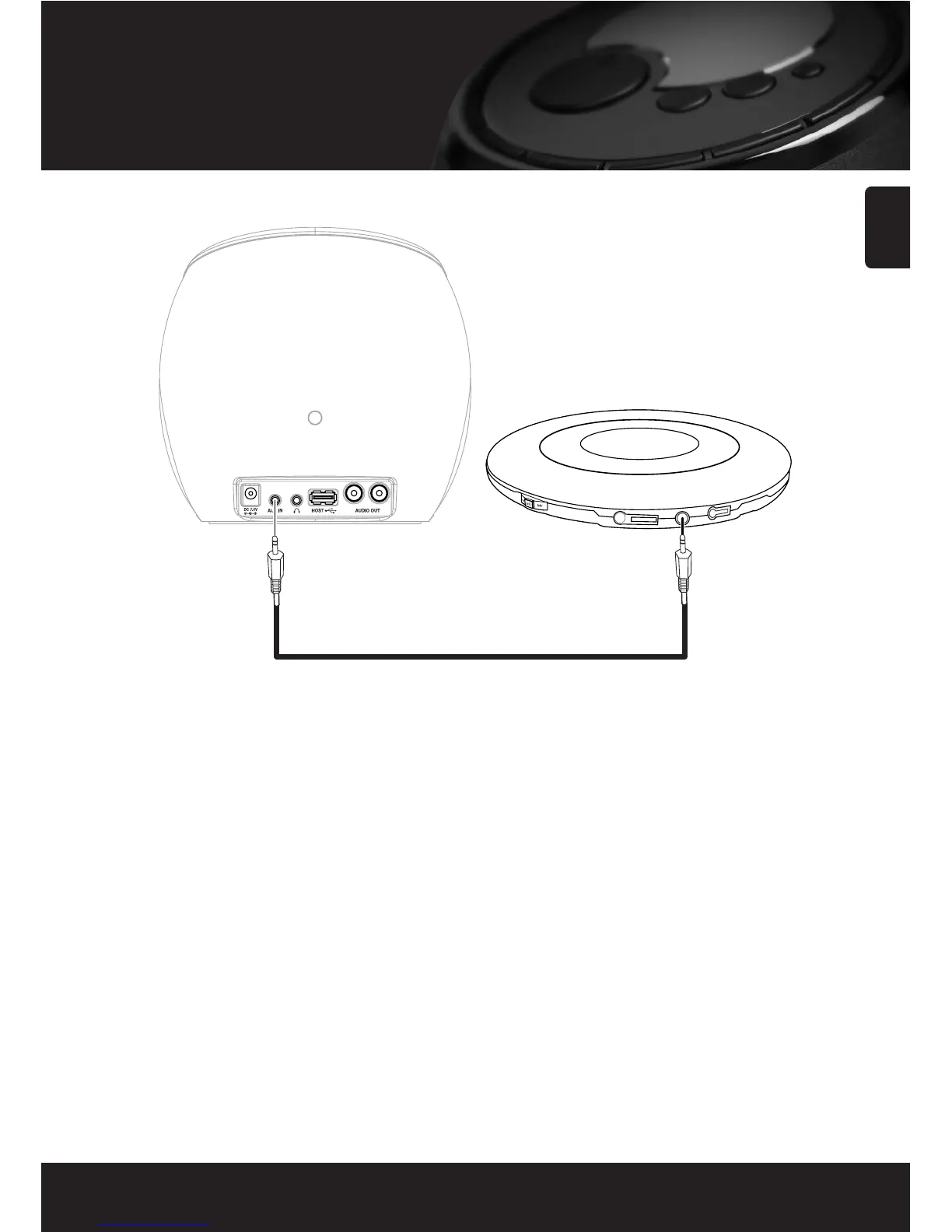
You can listen to music from the audio device via the speakers of this device.
1. Connect an audio device, such as a MP3 player or CD player, to the AUX IN jack on the back side of this radio by using
“Audio Cable”.
2. Navigate to the top level menu item ‘Auxiliary Input’ using the SELECT and BACK buttons.
3. Press the SELECT button. Then this device switches to the Auxiliary Input.
4. Turn the knob to adjust the volume.



 To Next Page