English
7
Part Description
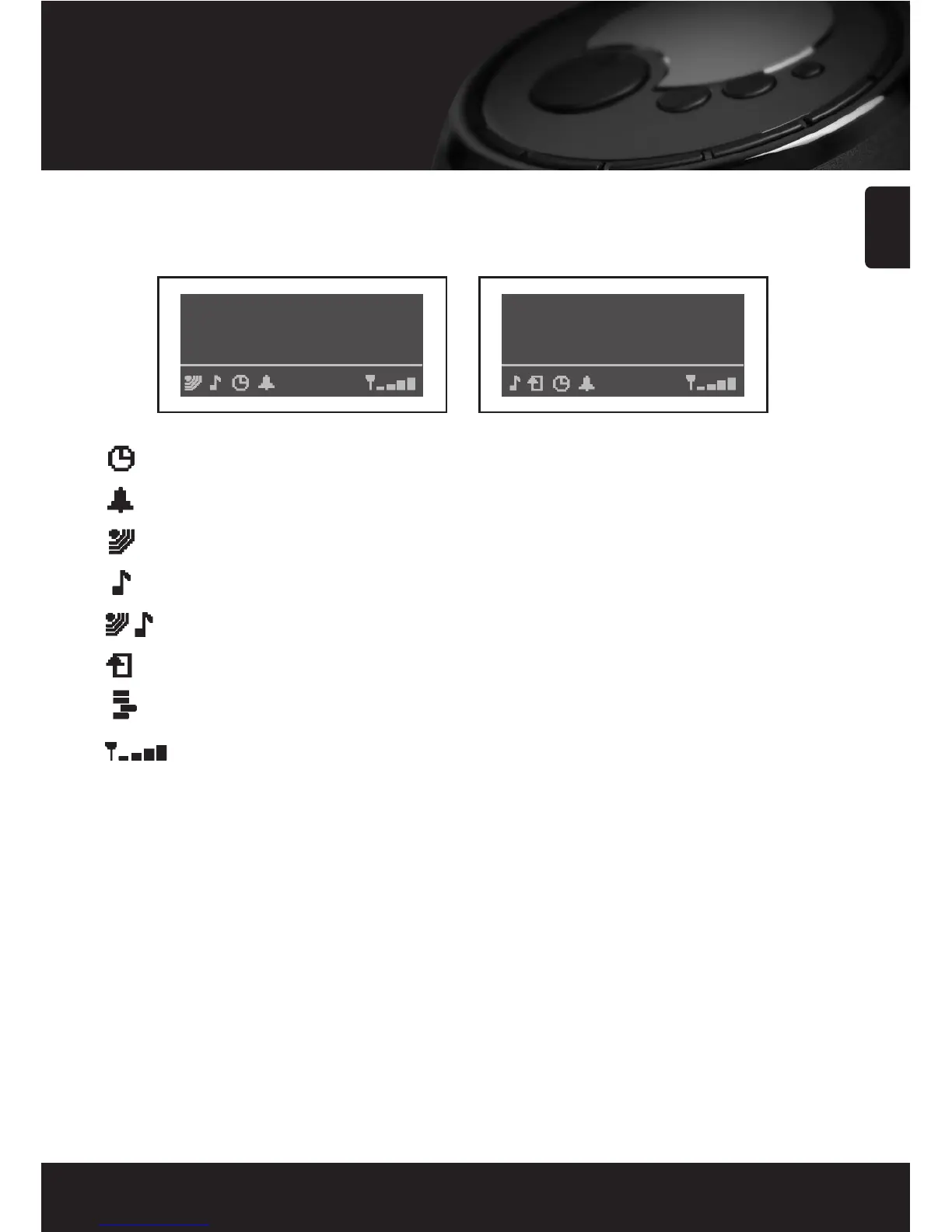
Sleep timer.
Alarm set indicator.
The radio is in ‘Internet Radio’ mode and is playing a live stream.
The radio is in ‘Media Player’ mode. Media controls (PLAY/PAUSE etc.) are active.
The radio is in ‘Internet Radio’ mode and is playing on demand content.
Repeat mode enabled.
Shuffle mode enabled.
Wireless LAN signal strength indicator.
Internet Radio Mode Media Player Mode
• Display Window Icons
Icons are displayed on the bottom row of the display. The meaning of these icons is explained below.



 To Next Page