English
6
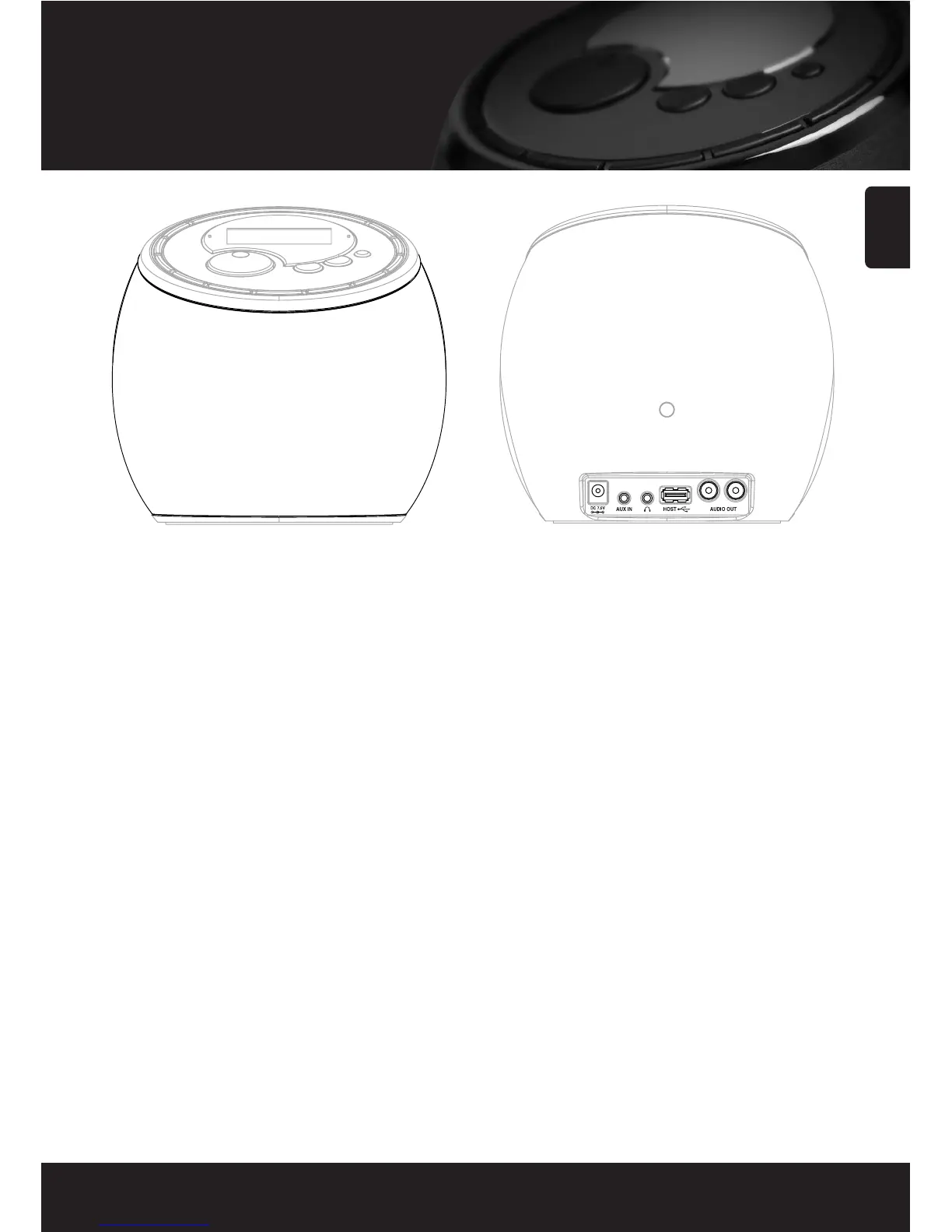
Part Description
DC Power Jack
Connect the AC Adaptor (DC 7.5V, 1.6A) to the DC Jack.
AUX IN jack
Use to connect a external audio device to AUX IN jack
using ‘Audio Cable’.
Headphone Socket
Use to connect a headphone.
USB HOST jack
Use to connect the external USB compatible devices with
UMS support(USB memory, MP3 player, etc.)
Use to connect the external USB to Ethernet dongle
provided for wired LAN (optional).
LINE OUT jack
Use to connect this radio to external high-grade audio
component using ‘RCA Cable’.
Built-in stereo speaker



 To Next Page