14
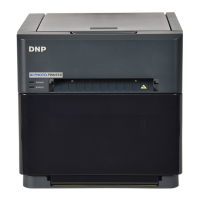
IDW520 Photo ID System
ID Camera (Sony H300 Camera)
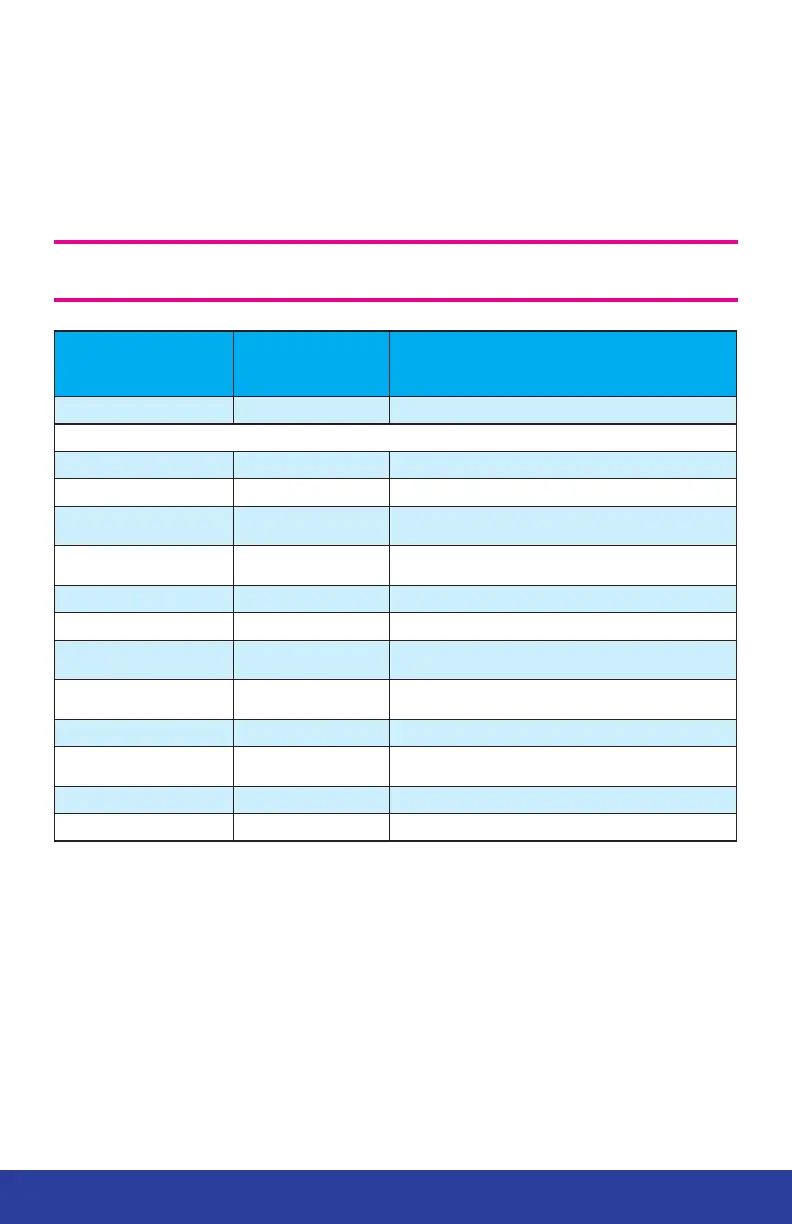
Default Settings
The IDW500 camera ships to your location with the following default settings.
If you are concerned that settings may have been altered, refer to this list.
ATTENTION: The SD card is unique to your camera and console system. Do
not use other cards or reformat the card you received with your system.
SETTING
DEFAULT
VALUE
DESCRIPTION
Mode Dial P Sets the camera shooting mode.
Press MENU to find the following settings
Picture Effect OFF Filters that are not allowed on ID photos.
Still Image Size 4:3.5M Size of the image the camera takes
Exposure Compensation 0
Brightness of the photo. May vary if lighting
conditions are poor.
ISO AUTO
Image sensitivity setting (details seen within the
image).
White Balance AUTO Adjusts the colors in the image for natural look.
Focus Center AF Center auto-focus mode
Metering Mode: Center
Measures brightness so exposure and white
balance can be compensated.
Con. Shooting Setting Single Shooting
Only one image is taken when the shutter button is
pressed.
Bracket Setting OFF Allows for multiple images to be captured.
Smile Detection
Sensitivity
Normal Smile
Automatically captures image when a smile is
detected.
Face Detection OFF Will auto-focus on faces within the image area.
DRO Standard Adjusts image tone.


 To Next Page