- 22 -
As soon as a new empty frequency was found, the
display fl ashes with the new frequency.
Playback
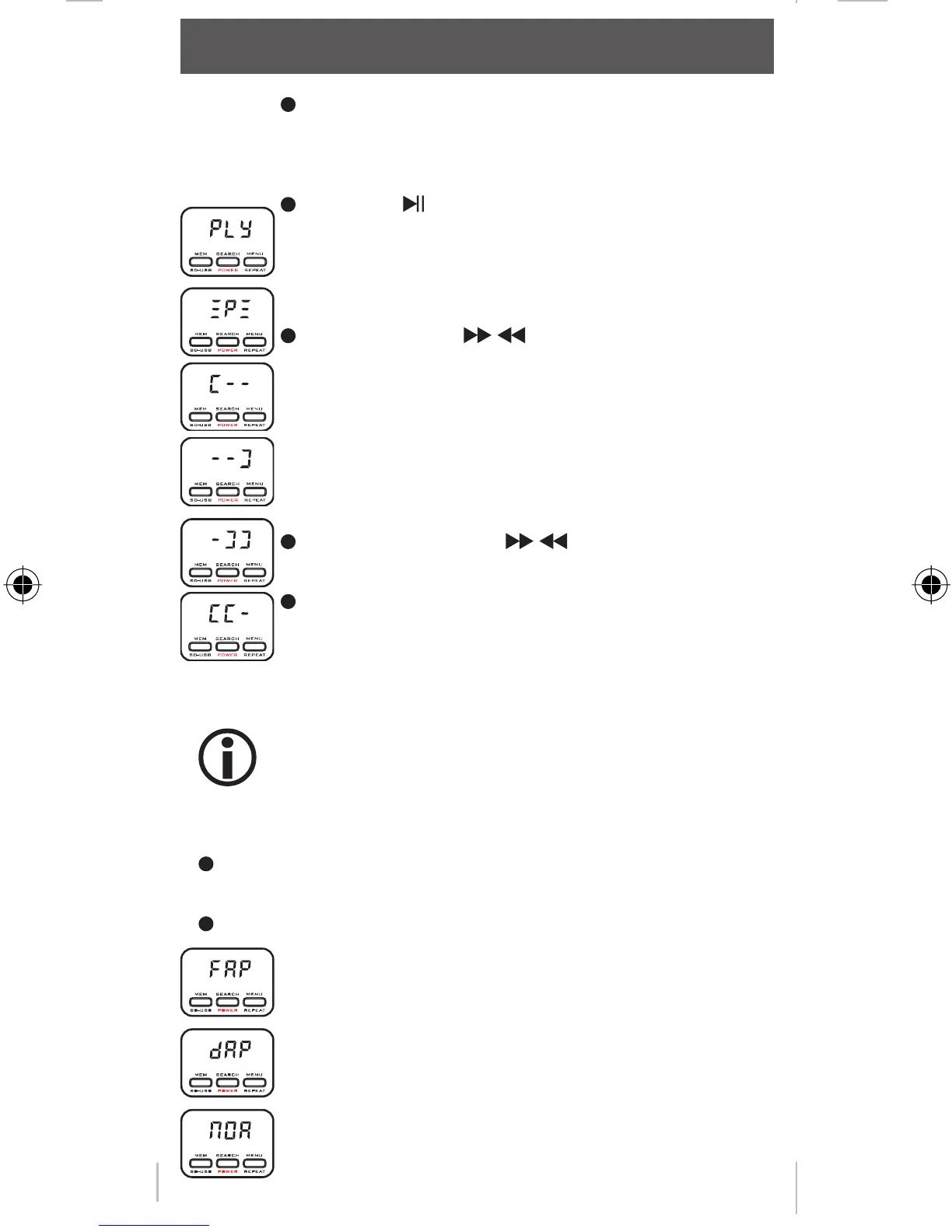
Press the - button for playback or pause.
Press briefl y the / -buttons, to select the next
or previous track.
Press and hold the / -button to select the
next/previous folder.
After the playback is started, the display shows the
remaining playback time or the frequency depen-
ding on the display mode.
Repeat
This function is available, if a audio device is con-
nected to the usb port or a SD card is in the slot.
The MusicFly Select has a repeat function. If the repeat func-
tion is on, the tracks are played repeately.
Press the MENU/REPEAT-button during playback for 2
seconds.
The display shows in order:
repeat the current track
repeat the current folder
normal
operation
MFlysSlect DEFN.indd 22MFlysSlect DEFN.indd 22 23.10.2008 16:33:0323.10.2008 16:33:03



 To Next Page