- 23 -
Volume
This function is available, if a audio device is con-
nected to the usb port or a SD card is in the slot.
Press the MENU/REPEAT-button briefl y twice.
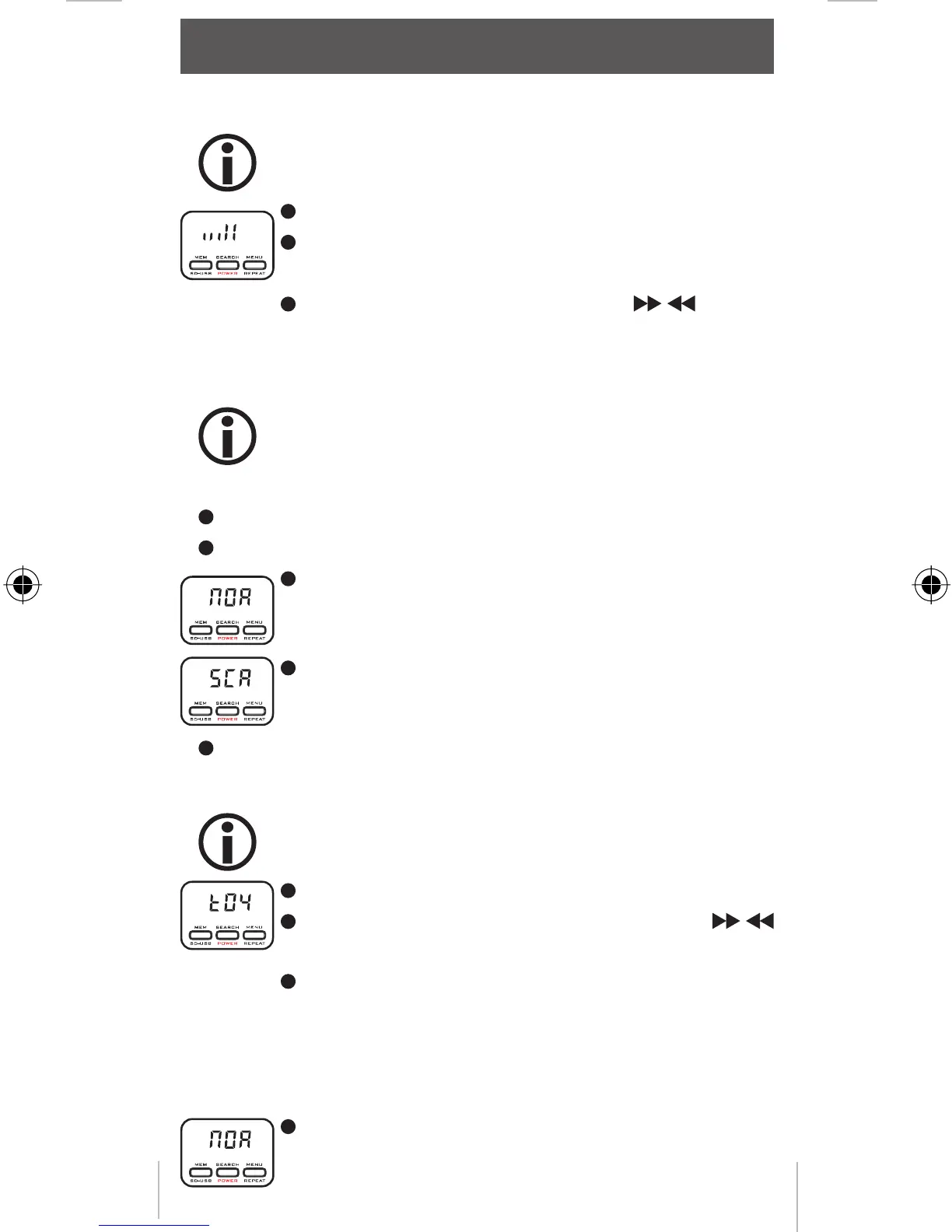
The display shows a bar with the current volume
setting.
Adjust the required volume mit the / buttons.
RDS
RDS display mode
This function is available, if an audio device is
connected to the usb port or a SD card is in the
slot.
Press the MENU/REPEAT-button briefl y 3 times.
Select the RDS display mode:
The display of the car radio shows 8 characters in
the user selected time.
The RDS information scrolls through the display
every second.
Press the MENU/REPEAT button once again
RDS Interval
This function is available, if a audio device is con-
nected to the usb port or a SD card is in the slot.
Press the MENU/REPEAT-button briefl y 4 times.
Adjust the display intervall time with the /
buttons (2-6 seconds).
Press the MENU/REPEAT button once again.
RDS mode
The MusicFly Select has 2 RDS modes to adjust the fre-
wuency.
In the mode NOR the MusicFly Select scans for
an empty frequency automatically and shows it
operation
MFlysSlect DEFN.indd 23MFlysSlect DEFN.indd 23 23.10.2008 16:33:0323.10.2008 16:33:03



 To Next Page