19
Lighting:
Operation
B
Using the push button you can choose between 3 lighting mo-
des.
1. Press the button to switch it on. The LED lights ash at short
intervals.
2. Pressing again shortens the ashing intervals.
3. Press the button again for continuous illumination.
Press the button a fourth time to turn the light o.
B
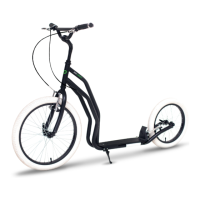
The light switch is loca-
ted here



 To Next Page
 Loading...