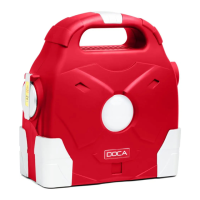
DOCA 95000 mAh
English
User Information
Please read all instructions carefully before use. When using power bank, follow the instructions to avoid possible injury. Handle power
bank in accordance with occupational safety rules
Warning
● Use the power bank away from volatile gases and flammable substances.
● When handling power bank, avoid strong shaking and falls.
● Do not put power bank upside down.
● Do not use the power bank in an environment with increased humidity, avoid moist and too hot environments.
● Keep a safe distance between power bank and children.
● If fluid leaks from power bank and gets into yours eyes, rinse immediately with clean water and seek medical attention.
● If power bank changes color or is too hot during charging, turn it off immediately and unplug it. There is a risk of leakage of
chemicals, smoke or explosion.
● If the power bank is in use, do not place it near anything flammable.
Security features
● Power bank uses SPWM (Sinusiodal Pulse Width Modulation) technology, which changes voltage to 230 V output voltage.
● Fuses against: overheating, short circuit, overload, overvoltage
!Attention! – power bank is constantly under high voltage even though it is disconnected. Please do not open casing,
otherwise there is a risk of injury.
Power bank content control
After unpacking the power bank from the packaging, make sure that all accessories are included and components or accessories are
not damaged. If so, please contact the supplier.
Package Contents:
● AC Adapter 1x
● Starter Cables 1x
● MicroUSB cable 1x
● Connector for USB-C and Lightning
● Cable for Laptop Connectors 1x
● Laptop Connectors 8x
● Fuse 1x
● Screwdriver 1x
Power bank description
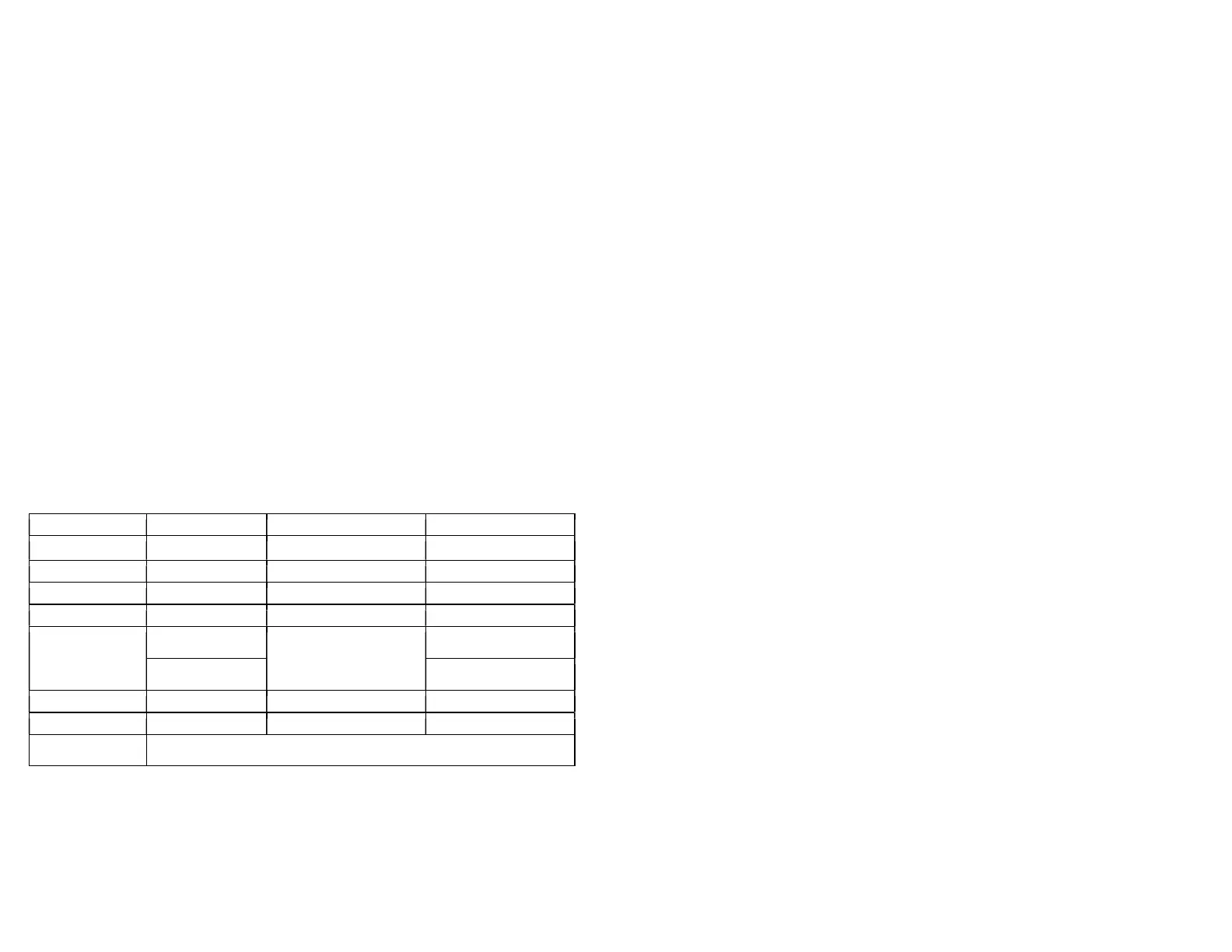
ABS + PC
12 V, 16 V, 19 V
12.6 V / 5 A
Output alternating voltage
230 V 50–60 Hz
11 hours (± 1h)
Output alternating current
2.3 A
500 W
2.8 kg
800 W
4.5 kg
95 000 mAh (3.7 V)
Front 8W LED lamp
70 300 mAh (5 V) Side 10W LED light
60-72 %
218 x 100 x 224 mm
12 V
5 V / 1 A, 5 V / 2.1 A
5 V USB / 3 A for notebook / 2.3 A for home / 12 V to start car
Working environment conditions
● Clean, dust-free and dry place (spacious room with good air access).
● Operating temperature: -35 ℃ to +35 ℃.
● Storage environment: -35 ℃ to +40 ℃.
● Relative Humidity: 35 % to 65 %.
Functions and protections
Thermal protection
If the temperature sensor measures the temperature:
● higher than 45 °C, cooling will automatically starts,
● higher than 65 ℃, power bank beeps 2x in 1 minute
interval,
● higher than 80 ℃, power bank beeps 4x, red light
turns on and the output will turn off. Operation will
resume after the temperature drops.
Input protection
At the moment, when:
● the voltage exceeds 14.5 V, all the voltage supply will
shut down and the red indicator light switches on,
● internal battery voltage drops below 9.8 V, power
bank starts beeping for warning,
● internal battery voltage drops below 9.6 V, output
power turns off and red light comes on.
Switching functions
1. Turning the button to the "ON" position will activate the AC 230V output.
2. Turning the button to the "OFF" position will turn off the power bank.
3. Turning the button to the "ON-" position will activate the output 5 V, 12 V, 16 V, 19 V.
4. Turning the button to the "ON--" position will activate the 5 V, 12 V, 16 V, 19 V and 230 V outputs.
5. Turning the button to the "ON" position and then double-pressing the "Power Supply" button will turn the LED light on, next
double-press will start the SOS signaling via the LED light. After the next double press, you activate the LED lamp, next
double-press will start the SOS signaling via LED lamp. When you press and hold the "Power Supply" button, you will
control the brightness of both the LED light and the LED lamp, depending on which mode you are currently using.
6. By switching the button to "ON-" or "ON--" and then pressing the "Power Supply" button, you choose between the 12V, 16V or
19V output voltage. After selecting the output voltage, leave the power bank for 5 seconds at rest and after this time, you can
double-press the "Power Supply" button to control the functions of the LED light or the LED lamp.
Note: If you do not use the power bank for a long time, switch the button to the "OFF" position to avoid unnecessary
degradation or shortening of its life.
Power bank charging
Connect the AC adapter to the 12.6 V / 5 A input. If the charger is under load, it lights red. The charging current gradually weakens,
and when the power bank is charged at ~ 60%, the charger starts to light green.
Note: Only use the original 12.6 V / 5 A adapter for charging, otherwise the power bank may be destroyed.
12V car and motorbike starter
1. Make sure on the LED screen that the remaining energy of the power bank is more than 20 %.
2. Attach the red clamp to the positive (+) part of the car battery and connect the black clamp to the negative (-) part of the
battery.
3. Put the charging cable into a 12 V input.
4. Prepare car for starting.
5. Each start must not take longer than 3 seconds. After 3 seconds of starting, a 10 second pause must follow. Repeat the
process up to 5 times.
!Warning!
● Before starting, make sure the starter cables to the power bank and the car battery are well connected. Otherwise, there will
be no start and there is a danger of a short circuit.
● After starting the car, disconnect the power bank from the car battery within 10 seconds.
● Do not connect both terminals of the starter cables at the same time.
● Power bank is able to start cars up to 6000cc with a petrol (gasoline) engine. However, some more modern diesel engines
can also be started.
Charging laptops and similar devices
1. Choose the appropriate 12 V / 16 V / 19 V voltage. If your notebook requires current bigger than 3 A, charging may not work
properly.
2. Turn the button to the "ON-" or "ON--" position and press the "Power Supply" button to select the voltage.
○ Blue light = 12 V / 3 A output
○ Green light = 16 V / 3 A output
○ Red light = 19 V / 3 A output.
3. Select the appropriate cable, connector, and connect the device.
Note: Please switch to "ON-" if you are not using a 230V output.


 To Next Page
 Loading...