12
CHECKING THE PACKAGE CONTENTS
Make sure that the package contents are complete and that all
parts are undamaged before you commission the DFINE.
1. Take the DFINE and all accessories out of the packaging.
2. Use the following list to check whether the package contents
are complete.
The package contents contain the following individual parts:
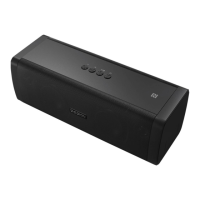
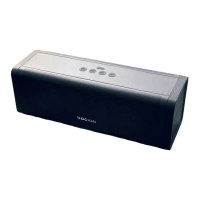
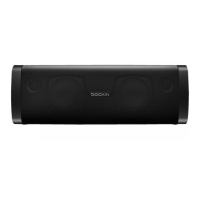
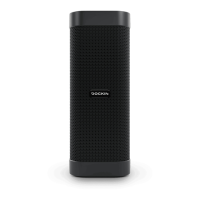
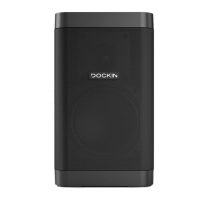
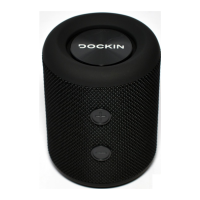
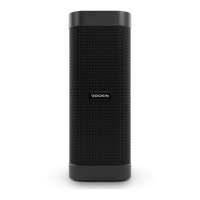
• DFINE speaker
• Power cable with wall adapter
• AUX cable (3.5mm plug cable)
• User manual
3. Check whether the DFINE or the accessories are damaged.
If this is the case, do not use the DFINE. Instead, contact the
manufacturer at the service address.
TURNING THE DFINE ON
• Hold the button on the top of your DFINE down for 3
seconds to switch the DFINE on.
The DFINE automatically connects with the last Bluetooth®
source (blue LED illuminates continuously) or switches to pairing
mode if the last source is not available (blue LED blinks quickly).
PAIRING
Connecting via Bluetooth® function:
1. Activate Bluetooth® on the source device (Bluetooth®
settings).
2. Go to the Bluetooth® settings and scan for discoverable
devices.
3. Select “DOCKIN DFINE” from the Bluetooth® device list.
EN


 To Next Page