13
After successful pairing, the blue LED on your DFINE stays lit and
you will hear a conrmation sound.
Connecting via NFC function:
This function is only available if your device supports NFC (
Near Field
Communication
).
1. Activate Bluetooth® on the source device (Bluetooth®
settings).
2. Activate NFC on the source device.
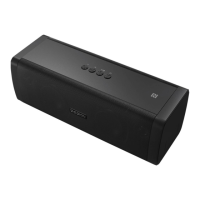
3. Hold your source device close to the NFC logo on top of the
DFINE. First time connection via NFC needs to be conrmed on
your source device.
After successful NFC pairing, the blue LED on the DFINE stays lit
and you will hear a conrmation sound.
CHANGING THE SOURCE DEVICE/DISCONNECTING
To select a new playback device while still paired, the current
Bluetooth® connection needs to be disengaged.
• Disconnect the current Bluetooth® connection on the source
device.
or
• Push and hold the
button on your DFINE for approx. 3
seconds.
TURNING THE DFINE OFF
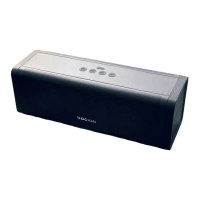
• Hold the button on the top of your DFINE down for 3
seconds to switch the DFINE off.
EN


 To Next Page