12
EN
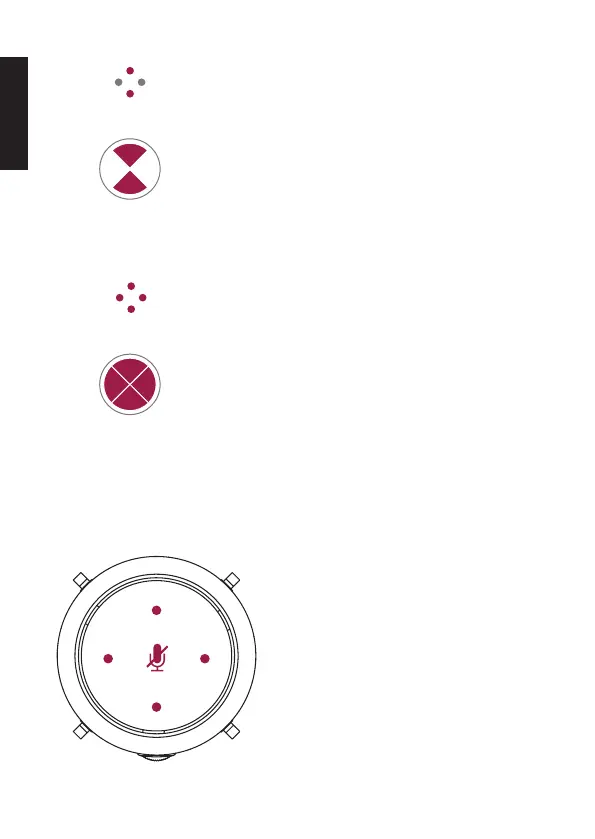
Bidirectional Mode
This mode is used for the pickup of two audio
sources opposite each other (e.g. for interviews).
The amplication on the front and back of the
microphone is nearly identical.
Omnidirectional Mode
This mode is used for the pickup of multiple audio
sources. The microphone amplication is the same
in all directions, for the largest pickup radius.
LED Display
LED Display
Pickup pattern
Pickup pattern
TOUCH CONTROL TO MUTE THE MICROPHONE
Muting the microphone:
Press the touch control button – the
RGB lighting and the 4 directionality
status LEDs light up red to indicate
muting. Press the touch control button
again to unmute. The RGB lighting
changes to the selected mode.



 To Next Page