7
EN
1
Connect the microphone to the USB port of your computer.
2
Select the Sounds item in the menu bar.
3
Select your new microphone “MP 3000” in the menu tab
“Recording”, conrm “as default” and “OK”.
CONNECTING MAC
1
On your Mac go to > “System Preferences”, “Sound” and then
“Input”
2
Choose the the MP3000 microphone from the list of audio input
devices.
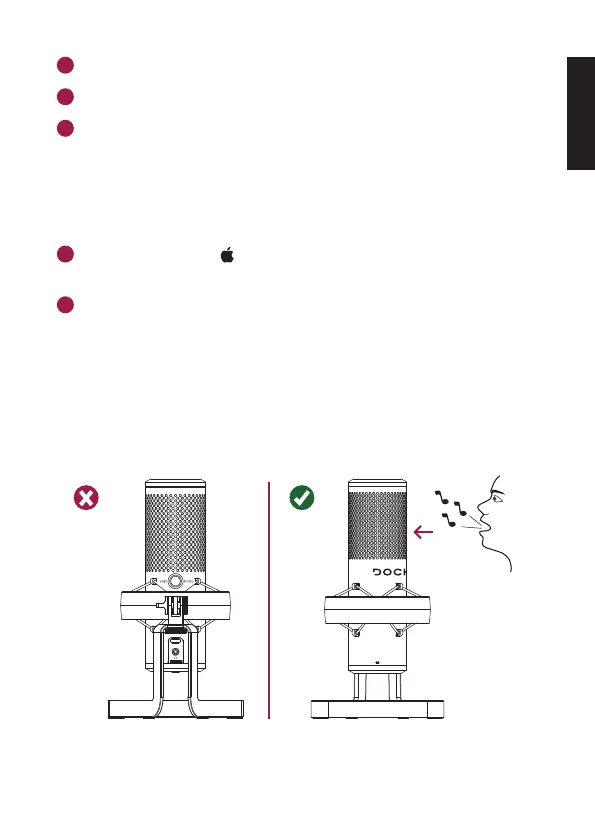
MICROPHONE DIRECTION
The correct direction to speak in is marked with the buttons and knobs.



 To Next Page