- 10 -
Tips & Cautions …………………
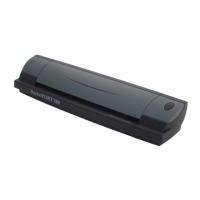
Your DocketPORT
®
468 scanner will provide you a long and productive service. We
encourage you follow the suggestions listed below to prolong your investment and improve
the convenience and quality of your scanning and document management experience.
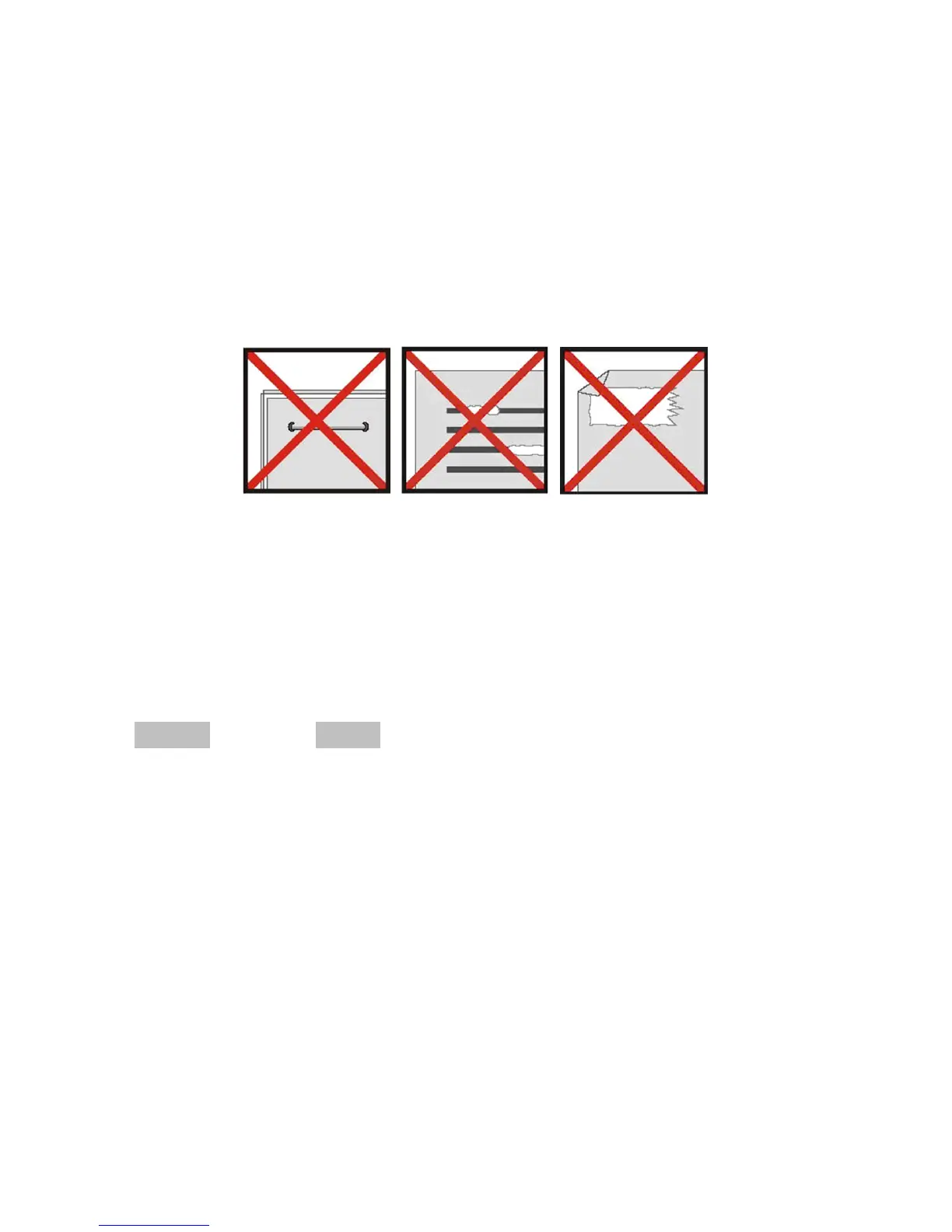
DO NOT introduce stapled items or pages into the scanner.
DO NOT scan documents that have chipped or un-dried White-Out.
DO NOT insert any type of adhesive material, even POST-IT paper.
Make sure the leading edge of your documents are straight and not wrinkled or folded.
Insert document at level to the intake slot. If your document has a fold, sharp-bend or is
wrinkled, you will need to straighten or flatten it first before scanning.
Clean the scanner with the included cleaning sheet and 70% isopropyl alcohol (not
included). Place a few drops along the middle of the cleaning material and proceed to the
Calibrate menu, select CLEAN instead.
Your scanner will automatically pass the cleaning material back and forth over the internal
image sensor glass.


 To Next Page