- 5 -
Install Scanner hardware
NOTE: Proceed with this step only if you have successfully install the scanner driver.
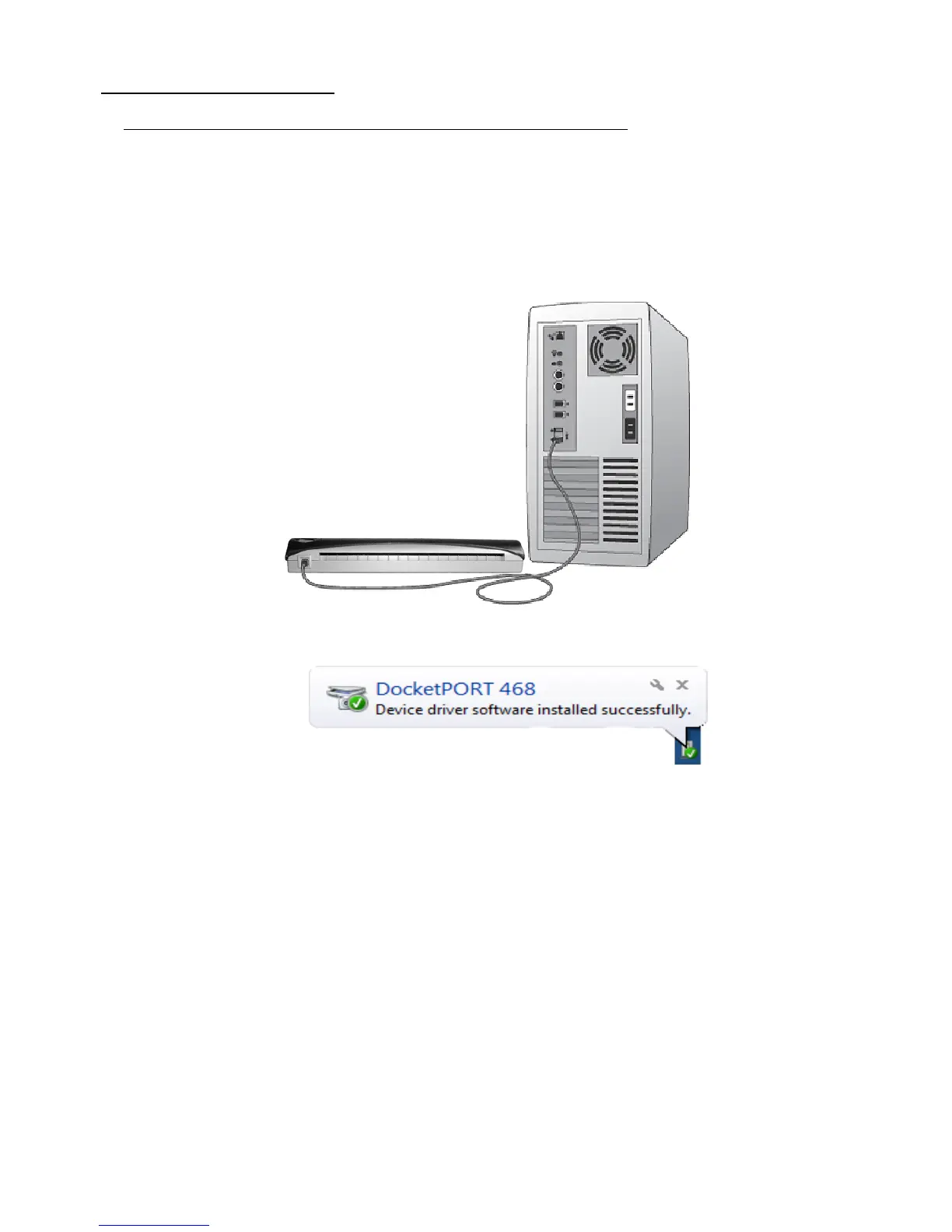
a) Connect the USB cable provided to your computer and scanner. The installation will proceed
automatically.
b) Make sure the red warning label is removed before connecting this end to your computer.
c) You may need to reconnect the cable to another USB port on your computer if the scanner
cannot be detected initially. (Check your computer’s user guide to identify other available USB
ports and their locations.
d) When your software has been installed successfully you will see the following information
displayed from your system tray when you connect the scanner to your computer:


 To Next Page