4. Setting the date and time
• Press
[ ]
Twice to enter System settings, Select
[ ]
to Date/Time.
• Press [REC].
• Press[ ] /
[ ]
, then select [REC] to set Year, Month, Day, Time, and
Format
fields.
• Press [REC]
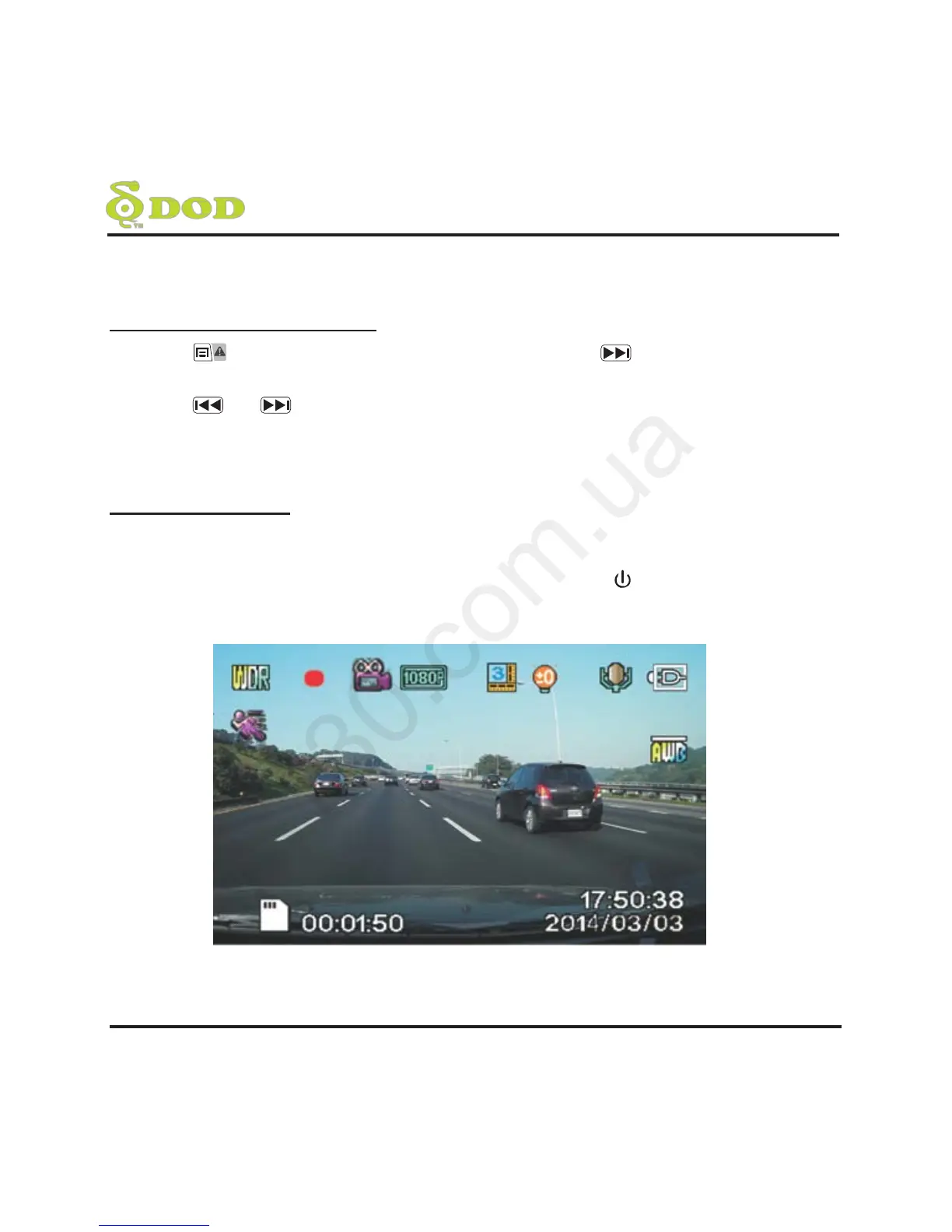
5. Video Recording
• When the car engine is started, the unit will automatically start video
recording (it is mandatory to insert a micro SDHC class 10 memory card).
• When it is not connected to the car charger, press [ ] button to turn on the
unit, and press [REC] button to start video recording.



 To Next Page